
Skip to content

How to duplicate a page in WordPress

How to duplicate a page in WordPress
Rupert Morris
Rupert Morris
Founder & Managing Director
Published Jan 29, 2025
Reading time 1 min

Our Step-By-Step Guide to Duplicating a Page in WordPress

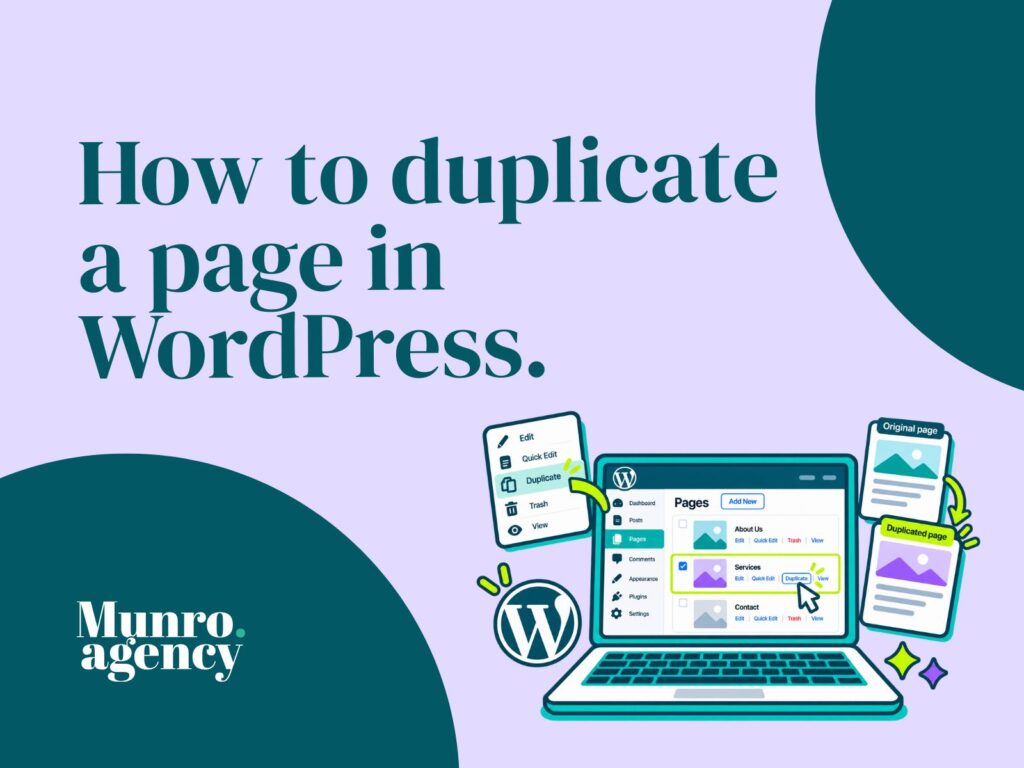
Duplicating a page in WordPress requires a plugin. If you already have one, you can go straight to step 3:

1. Install a Plugin

If you don’t have a duplication plugin, click on ‘Plugins’ in the WordPress dashboard and select ‘Add New Plugin’.

2. Search for a Plugin

In the ‘Search Plugins’ field, type ‘duplicate’. Choose a well-rated plugin and click ‘Install Now’. Activate the plugin once installed.

3. Access Your Pages

Locate ‘Pages’ in the WordPress dashboard and click ‘All Pages’.

4. Duplicate the Page

Find the page you want to duplicate and click ‘Duplicate This’. Note: Depending on the plugin, you might see ‘Copy’ instead of ‘Duplicate’.

5. Access the Duplicated Page

The duplicated page is automatically saved in drafts. Click ‘Drafts’ to find it.

6. Edit the New Page

Click ‘Edit’ to make changes and customise your new page as needed.

Now that you know how to duplicate a page in WordPress, you can save time and streamline your workflow.


Rupert Morris
Rupert Morris Founder & Managing Director · Munro Agency

Rupert leads growth strategy at Munro, helping ambitious B2B SaaS brands turn fragmented marketing into a single, compounding pipeline engine. He writes about full-funnel SEO, paid media, demand generation, and the operating model behind predictable revenue growth.

Ready to take action on these insights?

Connect with us to discuss how we can help.

Book a consultation →

Keep reading from Munro's blogs

All posts →
The Munro Agency
Privacy Overview

This website uses cookies so that we can provide you with the best user experience possible. Cookie information is stored in your browser and performs functions such as recognising you when you return to our website and helping our team to understand which sections of the website you find most interesting and useful.