
Choosing a CRM isn’t just about comparing feature lists. Most platforms promise the same core capabilities—pipeline management, automation, reporting, forecasting, and integrations—but the experience of using them can be very different once they’re rolled out across a sales team.
The best CRM is the one that fits the way your business sells. Some are built for fast-moving outbound teams. Others excel at managing complex enterprise sales cycles, while some prioritize long-term relationship management or seamless integration with finance, marketing, and customer service systems.
That’s why this guide focuses on practical fit rather than marketing claims. Instead of asking which CRM has the most features, we look at where each platform performs best, the type of organization it’s designed for, and the situations where it’s most likely to deliver value.
How we evaluated these CRM platforms
Rather than ranking platforms from “best” to “worst,” we evaluated them based on how they perform in real business environments. Every organization has different sales processes, priorities, and technical requirements, so a CRM that’s ideal for one company may be a poor fit for another.
Our evaluation focused on five key areas:
-
Real-world adoption — We selected platforms with established track records across a range of industries and company sizes—from growing startups to global enterprises. Widespread adoption often reflects long-term reliability and practical usability more than impressive feature lists.
-
Core CRM capabilities — We prioritized the fundamentals: contact management, pipeline visibility, activity tracking, forecasting, and opportunity management. Strong execution of these essentials matters far more than an extensive list of secondary features.
-
Ease of use versus flexibility — Some CRMs are designed for quick adoption, while others offer extensive customization at the cost of a steeper learning curve. We considered how well each platform balances usability with long-term capability.
-
Integrations and ecosystem — Modern CRMs rarely operate in isolation. We looked at how well each platform connects with common business applications, including email, marketing automation, ERP systems, customer support software, and analytics tools.
-
Best-fit use cases — Rather than forcing every CRM into the same scoring system, we evaluated where each one performs best. Some excel in enterprise environments, while others are better suited to small businesses, relationship-driven sales, or high-volume outbound teams.
1. HubSpot

Why HubSpot stands out
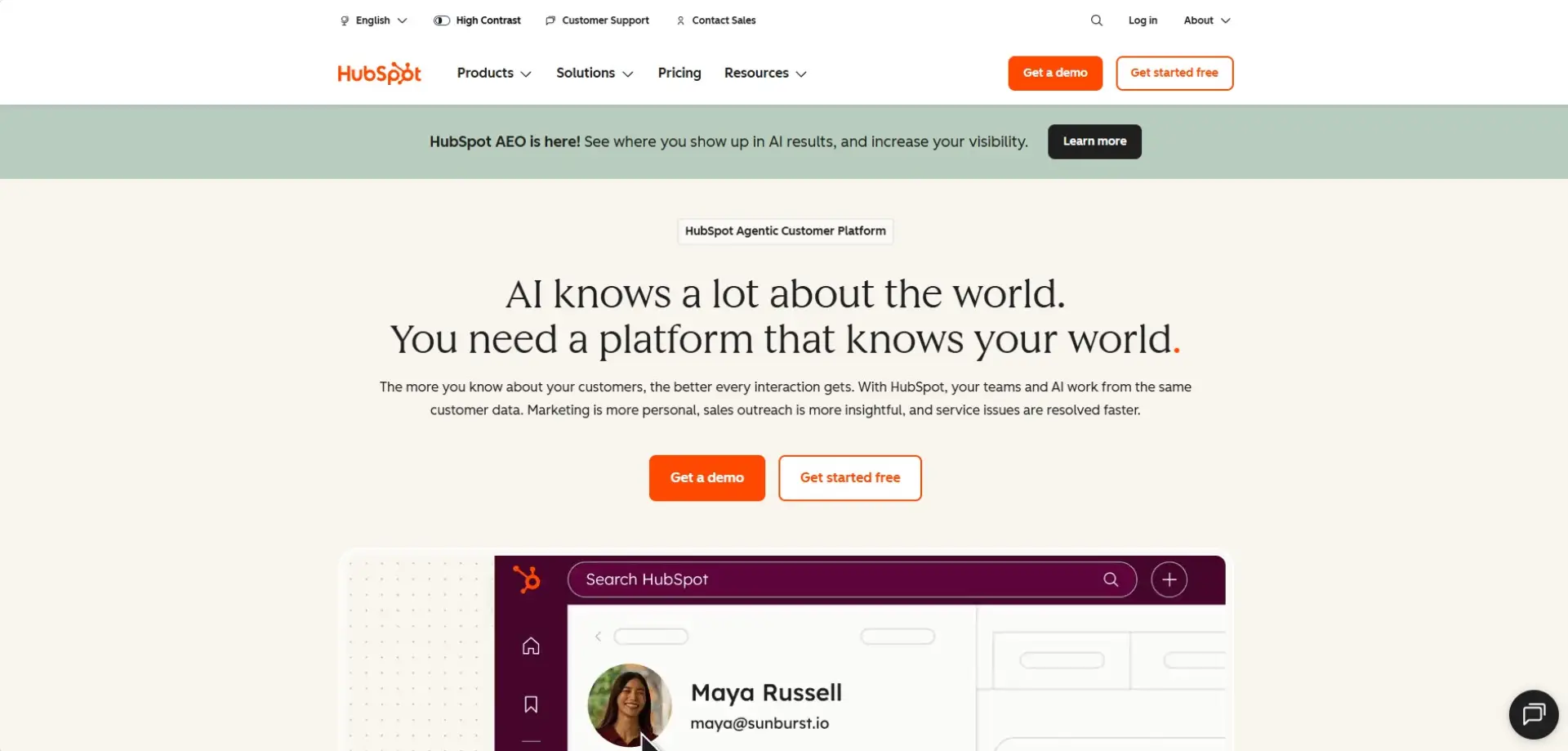
HubSpot has grown far beyond its roots as a marketing platform. Today it offers one of the most complete CRM ecosystems available, bringing together sales, marketing, customer service, and operations in a single platform.
One of its biggest advantages is how quickly teams can get up and running. While many enterprise CRMs require lengthy implementation projects, HubSpot delivers value almost immediately. The interface is intuitive, onboarding is straightforward, and businesses can expand into more advanced functionality as their needs evolve.
That balance of simplicity and scalability has made HubSpot one of the most widely adopted CRM platforms for growing businesses.
Best for
HubSpot is an excellent choice for small and mid-sized businesses looking for a CRM that can scale with them over time. It’s particularly well suited to SaaS companies, professional services firms, agencies, consultancies, and other B2B organizations that want sales, marketing, and customer success teams working from the same customer data.
Key strengths
HubSpot succeeds because it combines ease of use with a surprisingly broad feature set.
Highlights include:
- Clean, intuitive interface with a short learning curve
- Strong alignment between sales and marketing teams
- Powerful workflow automation
- Large marketplace of integrations
- Detailed reporting and attribution tools
- Scalable platform that grows with the business
- High user adoption thanks to its straightforward design
For organizations that want enterprise-level capabilities without enterprise-level complexity, HubSpot strikes an impressive balance.
Things to consider
Although HubSpot’s free CRM makes it easy to get started, costs can increase as your business grows.
Keep in mind:
- Pricing rises as contact databases and user counts expand.
- Many advanced features are only available on higher-tier plans.
- Highly specialized enterprise workflows may require additional customization.
- It doesn’t offer quite the same level of configurability as platforms like Salesforce.
For many businesses, these trade-offs are outweighed by HubSpot’s ease of use and integrated approach.

Core features
HubSpot covers the entire customer lifecycle, including:
- Contact and company management
- Deal and pipeline tracking
- Sales automation
- Marketing automation
- Email tracking and sequencing
- Customer service ticketing
- Custom dashboards and reporting
- Revenue forecasting
- Meeting scheduling
- AI-powered sales assistance
Because these tools are built into the same platform, businesses can reduce data silos while giving every customer-facing team access to the same information.
Pricing overview
HubSpot follows a freemium model, allowing businesses to start with core CRM functionality before upgrading as requirements become more sophisticated.
Additional products—including Sales Hub, Marketing Hub, Service Hub, and Operations Hub—can be added as needed, with pricing based on users, contacts, and feature tiers.
Verdict
HubSpot remains one of the strongest all-around CRM platforms on the market. It combines an approachable user experience with enough depth to support growing organizations, making it a particularly attractive choice for businesses that want to unify sales, marketing, and customer service without taking on the complexity of a traditional enterprise CRM.
2. SharpSpring

Why SharpSpring stands out
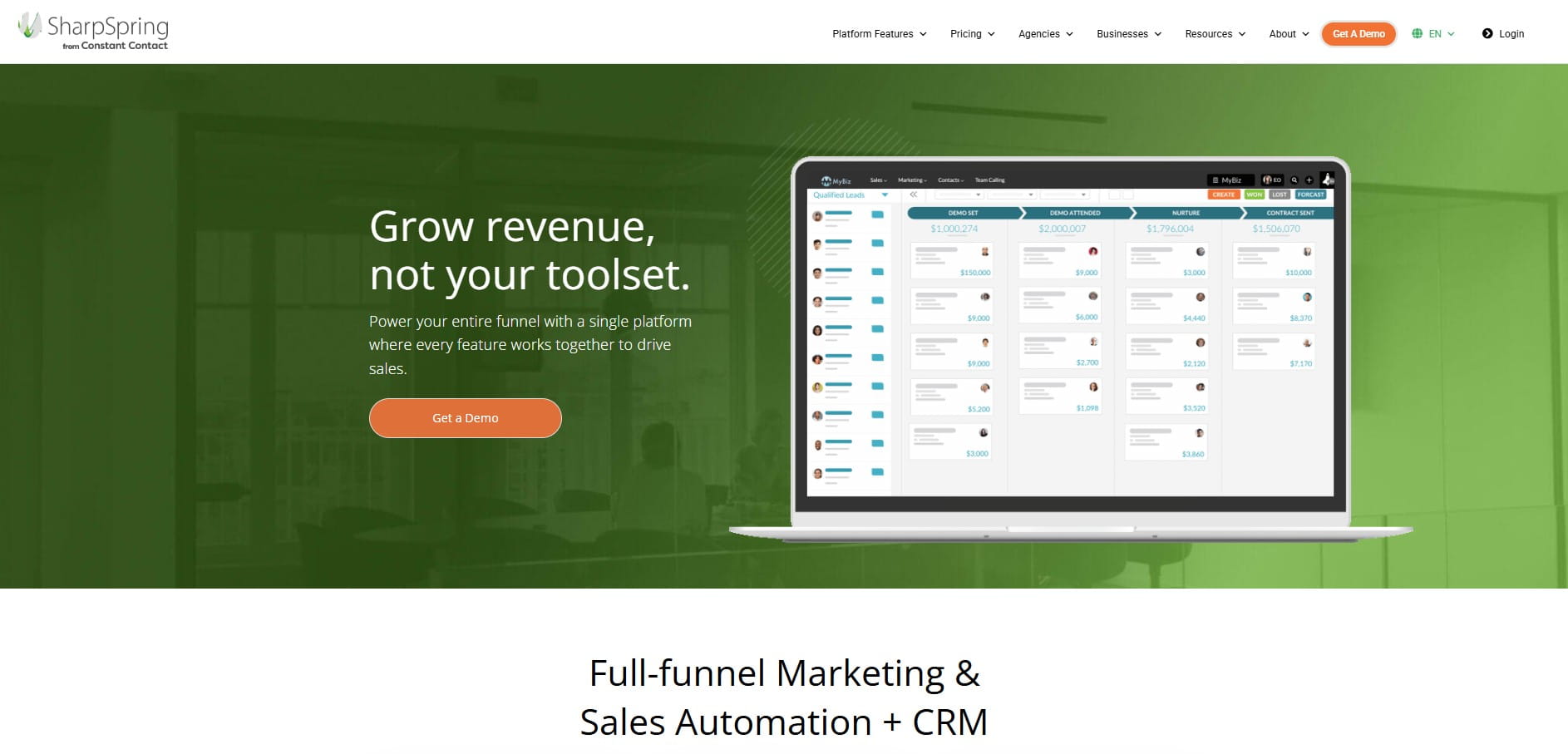
Many CRM platforms treat marketing automation as an add-on. SharpSpring takes the opposite approach by putting it at the center of the customer journey.
Now part of the Constant Contact product family, SharpSpring combines CRM functionality with email marketing, lead nurturing, behavioral tracking, landing pages, and campaign automation in a single platform. Rather than relying on multiple tools to manage leads from first interaction through conversion, businesses can oversee both sales and marketing from one place.
That close alignment makes SharpSpring particularly appealing to organizations that want stronger collaboration between their marketing and sales teams without investing in a large enterprise platform.
Best for
SharpSpring is best suited to small and mid-sized businesses that rely on digital marketing to generate and nurture leads before handing them to sales.
It’s particularly well suited to:
- Marketing agencies
- B2B service providers
- SaaS companies
- Growing businesses with dedicated marketing teams
- Organizations looking to combine CRM and marketing automation
Key strengths
SharpSpring’s biggest advantage is the depth of its marketing automation capabilities.
Highlights include:
- Advanced marketing automation workflows
- Built-in email marketing and lead nurturing
- Visitor tracking and behavioral analytics
- Dynamic forms and landing page builder
- Sales pipeline management
- CRM and marketing data in a single platform
- Integration with a wide range of third-party business applications
By bringing customer interactions, campaigns, and sales activities together, SharpSpring gives teams a clearer picture of how marketing efforts contribute to revenue.
Things to consider
While SharpSpring offers strong marketing functionality, it isn’t designed to compete with the largest enterprise CRM platforms.
Before choosing it, consider that:
- CRM functionality isn’t as extensive as Salesforce or Microsoft Dynamics 365 Sales.
- The platform is most valuable for businesses with an active digital marketing strategy.
- Some advanced workflows require thoughtful setup and ongoing optimization.
- Organizations with highly complex enterprise sales processes may require more extensive customization than the platform offers.
Businesses focused primarily on marketing-driven growth, however, will often find these trade-offs worthwhile.
Core features
SharpSpring includes:
- Contact and lead management
- Sales pipeline tracking
- Marketing automation
- Email campaign management
- Landing page and form builder
- Lead scoring
- Visitor identification and behavioral tracking
- Workflow automation
- Reporting and campaign analytics
- Third-party integrations
Its greatest strength lies in connecting marketing engagement with sales activity, allowing teams to track prospects from their first website visit through to conversion.
Pricing overview
SharpSpring offers customized pricing based on business requirements and contact volumes rather than a simple tiered pricing model. Organizations can choose the functionality that best fits their marketing and sales objectives while scaling as their customer base grows.
Verdict
SharpSpring is a compelling choice for businesses that see marketing and sales as two parts of the same revenue engine. While it doesn’t offer the enterprise customization of Salesforce or the broad ecosystem of HubSpot, it delivers an excellent combination of CRM and marketing automation for organizations that want to generate, nurture, and convert leads within a single platform.
3. Salesforce Sales Cloud
Why Salesforce stands out
For many organizations, Salesforce is still the benchmark for enterprise CRM.
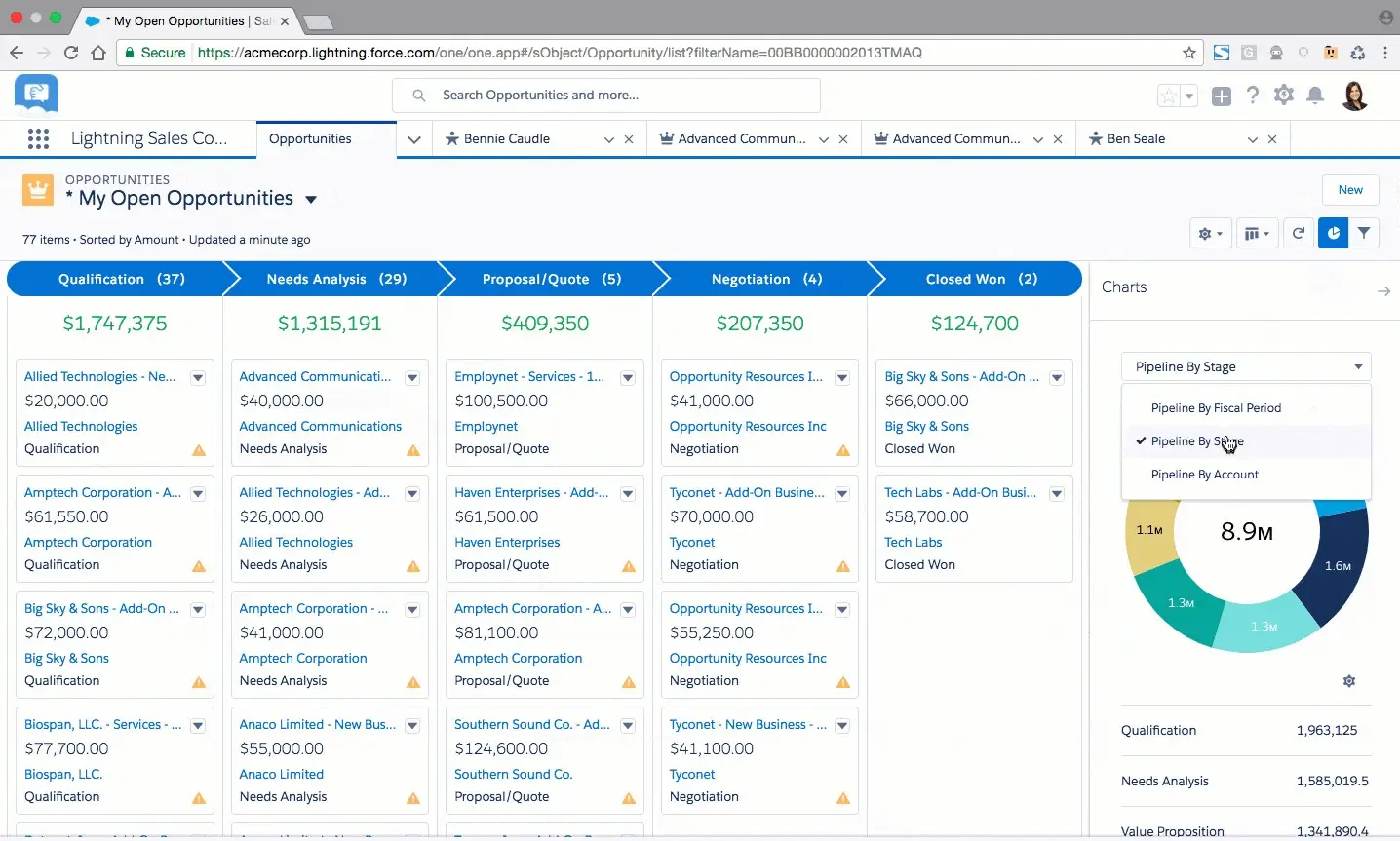
Its greatest strength isn’t simply the number of features it offers—it’s how extensively those features can be tailored to match almost any sales process. Whether you’re managing multiple territories, global sales teams, complex approval workflows, or industry-specific requirements, Salesforce can usually be configured to fit.
That flexibility has helped it become much more than a CRM. Today it’s the foundation of a broader business platform that spans sales, marketing, customer service, analytics, automation, and AI.
Best for
Salesforce is best suited to mid-sized and enterprise organizations with sophisticated sales operations.
It’s particularly strong for businesses that need:
- Advanced forecasting
- Territory management
- Extensive customization
- Partner relationship management
- Structured enterprise sales processes
- Global team collaboration
Industries such as financial services, manufacturing, healthcare, technology, and telecommunications frequently choose Salesforce because it can accommodate highly complex operating environments.
Key strengths
Salesforce has earned its reputation through flexibility and scale.
Key advantages include:
- Extensive customization options
- Market-leading ecosystem of integrations and third-party applications
- Powerful reporting and forecasting
- Advanced workflow automation
- Enterprise-grade scalability
- AI capabilities through Salesforce Einstein
- Large network of implementation partners and consultants
Perhaps its biggest advantage is longevity. Companies rarely outgrow Salesforce because the platform can continue evolving alongside the business.
Things to consider
The same flexibility that makes Salesforce attractive can also make it more demanding to implement and maintain.
Potential drawbacks include:
- Steeper learning curve than many competitors
- Longer implementation timelines
- Higher costs as additional functionality is added
- Ongoing administrative requirements
- Risk of reduced user adoption if deployments become overly complex
Organizations with relatively straightforward sales processes may find Salesforce offers more capability than they actually need.
Core features
Salesforce Sales Cloud includes:
- Lead and opportunity management
- Account and contact management
- Pipeline management
- Sales forecasting
- Workflow automation
- Territory management
- Quote and approval workflows
- AI-powered insights
- Custom dashboards and analytics
- Mobile CRM
Its functionality can be expanded further through Salesforce’s extensive ecosystem of apps and integrations.
Pricing overview
Salesforce offers multiple pricing tiers ranging from entry-level editions to enterprise packages with advanced automation and AI capabilities.
While it typically represents a larger investment than many competing CRMs, organizations with complex sales environments often find the flexibility worth the cost.
Verdict
Salesforce remains one of the most capable CRM platforms available. It isn’t the simplest option, nor is it intended to be. But for organizations with complex sales processes and ambitious growth plans, few platforms offer the same combination of scalability, customization, and ecosystem depth.
4. Microsoft Dynamics 365 Sales

Why Microsoft Dynamics 365 Sales stands out
Microsoft Dynamics 365 Sales approaches CRM differently from many competitors.
Rather than operating as a standalone platform, it’s designed to work as part of the broader Microsoft ecosystem. For organizations already using Microsoft 365, Teams, Azure, Power BI, and Power Platform, Dynamics often feels like a natural extension of the tools employees already use every day.
That tight integration allows customer data, productivity tools, and business applications to work together instead of existing in separate systems.
Best for
Dynamics 365 Sales is particularly well suited to mid-sized and enterprise organizations that have already invested heavily in Microsoft technologies.
It’s commonly used by:
- Manufacturing companies
- Public sector organizations
- Enterprise service providers
- Large corporate environments
- Businesses that require close integration between sales, finance, and operations
Key strengths
Its greatest advantage is connectivity.
Notable strengths include:
- Native integration with Microsoft 365 and Teams
- Deep reporting capabilities through Power BI
- Flexible data management with Dataverse
- Low-code automation using Power Platform
- Enterprise-grade security and compliance
- Scalable architecture
- Strong cross-department workflow automation
Organizations already operating within Microsoft’s ecosystem often gain significant efficiency by keeping CRM, collaboration, analytics, and business processes under one umbrella.
Things to consider
Dynamics 365 prioritizes depth and integration over simplicity.
As a result:
- New users may find the interface less intuitive than platforms like HubSpot.
- Successful implementations typically require technical planning.
- Licensing can become complex depending on products and user roles.
- Organizations outside the Microsoft ecosystem may see fewer benefits.
- Advanced customization often requires Power Platform expertise.
Core features
Dynamics 365 Sales includes:
- Lead and opportunity management
- Contact and account management
- Sales forecasting
- Pipeline tracking
- Integrated email and communications
- AI-powered recommendations
- Workflow automation through Power Automate
- Power BI reporting
- Relationship intelligence
- Mobile CRM
Its real strength lies in connecting CRM data with the rest of the business rather than treating sales as an isolated function.
Pricing overview
Dynamics 365 Sales is available through several licensing tiers based on functionality and user type.
Although it isn’t always the least expensive option, organizations already invested in Microsoft’s ecosystem can often realize additional value through tighter integration across multiple business applications.
Verdict
Microsoft Dynamics 365 Sales is less about offering the simplest CRM experience and more about creating a unified business platform. For companies already committed to Microsoft technologies, it’s one of the strongest options available, bringing sales, collaboration, analytics, and operations together in a way few competing platforms can match.
5. Zoho
Why Zoho stands out
Zoho CRM occupies an interesting middle ground in the CRM market. It offers far more capability than many entry-level platforms without the cost or implementation effort typically associated with enterprise solutions.
Part of its appeal is the wider Zoho ecosystem. Beyond CRM, businesses can expand into finance, HR, customer support, analytics, marketing, and operations using products that work together out of the box. That makes Zoho an attractive option for companies that want to build their software stack around a single vendor rather than managing multiple disconnected tools.
For many growing businesses, Zoho provides a practical balance of affordability, flexibility, and room to scale.
Best for
Zoho CRM is well suited to small and mid-sized businesses that need more structure than spreadsheets or basic CRM tools can provide but aren’t ready for the complexity of enterprise platforms.
It’s a popular choice among:
- Professional services firms
- Retail and distribution businesses
- Technology companies
- Educational organizations
- Growing SMEs looking for an affordable, scalable CRM
Key strengths
Zoho delivers a broad feature set without requiring a large investment, making it one of the strongest value-for-money CRM platforms available.
Highlights include:
- Competitive pricing across all plan levels
- Strong coverage of core sales, marketing, and support functions
- Flexible customization for pipelines and modules
- Workflow automation for growing teams
- Native integration with the wider Zoho ecosystem
- Solid reporting and analytics
- Mobile apps that work well for remote and field sales teams
It may not match enterprise platforms feature for feature, but it covers the vast majority of CRM requirements for growing businesses.
Things to consider
While Zoho is highly capable, it isn’t quite as polished as some of its larger competitors.
Before choosing it, consider that:
- The interface can feel less modern than platforms like HubSpot.
- Some advanced features require additional configuration.
- The biggest benefits come when using other Zoho products.
- Reporting is good, but not among the strongest in the market.
- Very large organizations may eventually reach its practical limits.
For many SMEs, however, these trade-offs are minor compared to the platform’s affordability and flexibility.
Core features
Zoho CRM includes:
- Lead, contact, and account management
- Deal and pipeline tracking
- Workflow automation
- Email integration
- Sales forecasting
- Custom modules and fields
- AI-powered insights through Zia
- Multi-channel communication across email, chat, phone, and social media
Its modular design also makes it easy to introduce additional functionality as the business grows instead of deploying everything at once.
Pricing overview
Zoho offers several pricing tiers designed for businesses at different stages of growth.
Entry-level plans cover the essentials, while higher tiers introduce more advanced automation, AI capabilities, analytics, and customization. Organizations can also expand into the broader Zoho suite as their operational needs evolve.
Verdict
Zoho is one of the best options for businesses looking to maximize value without sacrificing capability. It may not have the enterprise depth of Salesforce or Microsoft Dynamics, but it offers an impressive combination of features, flexibility, and affordability that makes it an excellent long-term choice for many growing organizations.
6. Pipedrive
Why Pipedrive stands out
Pipedrive was built with one goal in mind: helping sales teams keep deals moving.
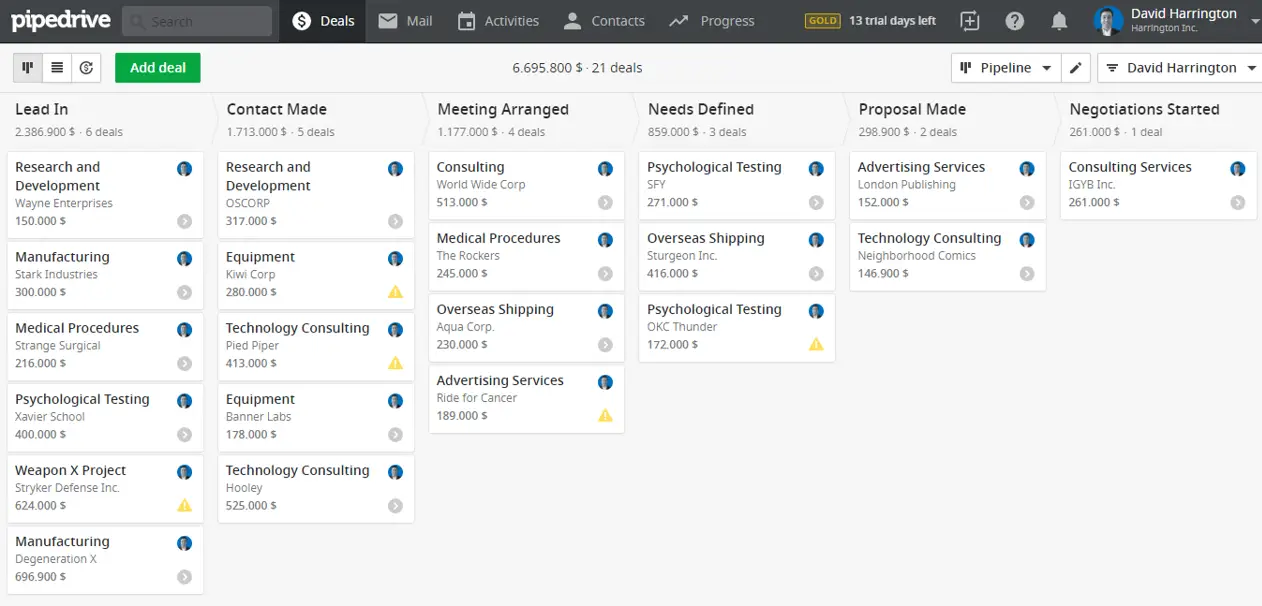
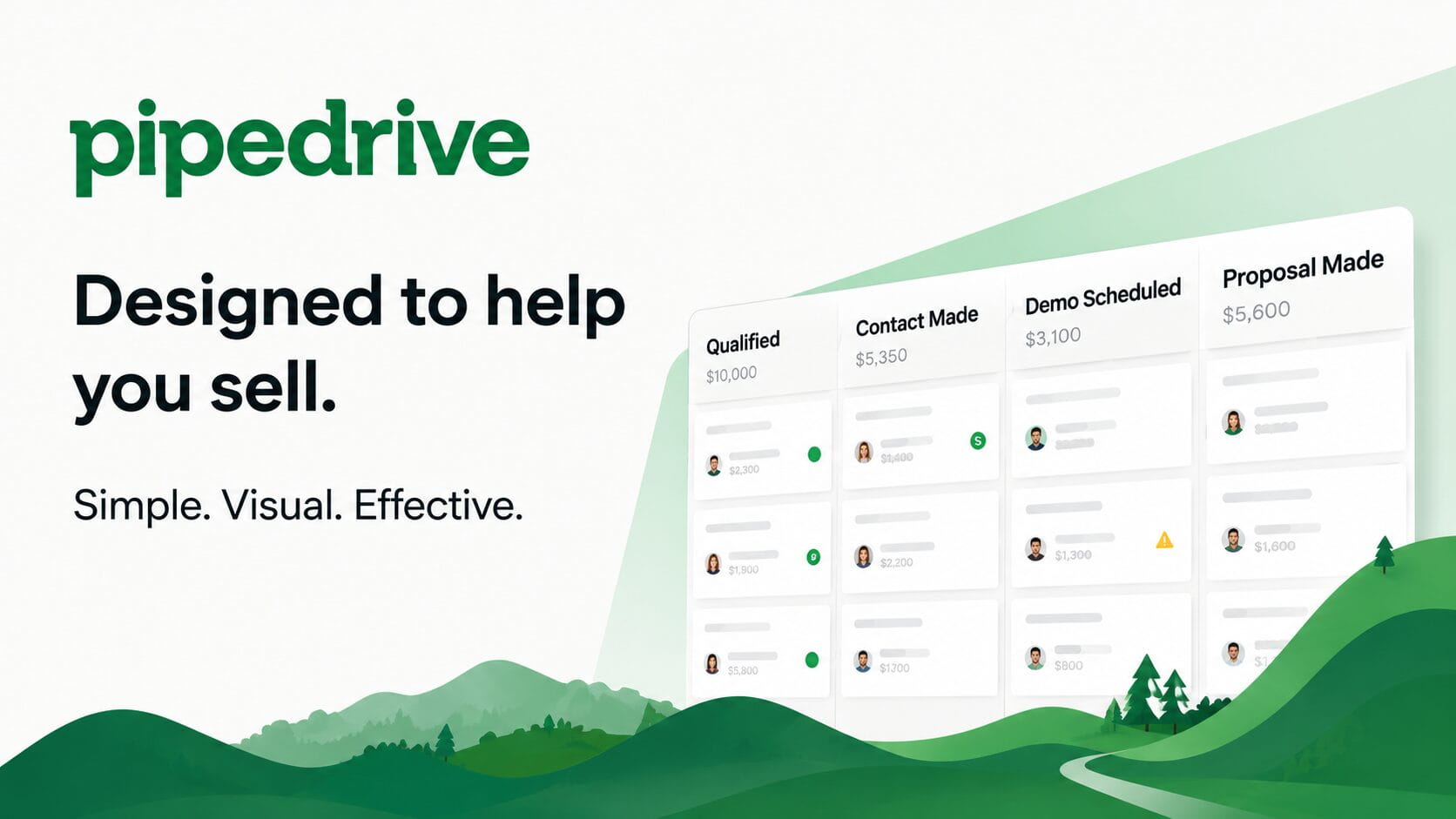
Unlike broader CRM platforms that try to serve every department, Pipedrive stays focused on sales execution. Its visual pipeline sits at the center of the experience, making it easy to see where every opportunity stands, what needs attention next, and where deals are getting stuck.
That simplicity is exactly why many sales teams adopt it quickly. Reps spend less time learning the software and more time selling.
Best for
Pipedrive is an excellent fit for small and mid-sized sales teams that value speed, visibility, and consistency.
It’s particularly popular with:
- SaaS startups
- Agencies
- Recruitment firms
- Real estate businesses
- B2B service providers
Teams with straightforward sales processes often find Pipedrive easier to adopt than larger enterprise CRMs.
Key strengths
Pipedrive is designed around day-to-day sales activity rather than administrative complexity.
Key advantages include:
- Highly visual sales pipeline
- Quick onboarding with minimal training
- Strong support for activity-based selling
- Automation for repetitive sales tasks
- Clear visibility into deal progress
- Email integration and tracking
- High adoption among sales teams
Its emphasis on keeping next actions visible helps reduce the risk of opportunities falling through the cracks.
Things to consider
Pipedrive intentionally keeps its focus narrow, which means it won’t suit every organization.
Potential drawbacks include:
- Limited marketing automation
- Lighter reporting than enterprise CRMs
- Fewer features for customer service and cross-department collaboration
- Less customization than platforms like Salesforce
- May require additional tools for complete revenue operations
If your CRM needs extend well beyond sales, you’ll likely need additional software alongside Pipedrive.
Core features
Pipedrive includes:
- Visual pipeline management
- Deal tracking
- Contact and lead management
- Activity scheduling
- Email integration and tracking
- Workflow automation
- Sales forecasting
- Mobile CRM
Everything is designed to help salespeople stay organized while spending as little time as possible on administration.
Pricing overview
Pipedrive offers several subscription tiers that gradually introduce more automation, reporting, and AI-powered functionality.
Pricing remains competitive for growing sales teams that want structure without the complexity of enterprise software.
Verdict
Pipedrive knows exactly what it is—and that’s one of its biggest strengths. Rather than trying to become an all-in-one business platform, it focuses on helping sales teams manage pipelines efficiently and consistently. For organizations where sales execution is the priority, it’s one of the easiest CRMs to recommend.
7. monday
Why monday CRM stands out
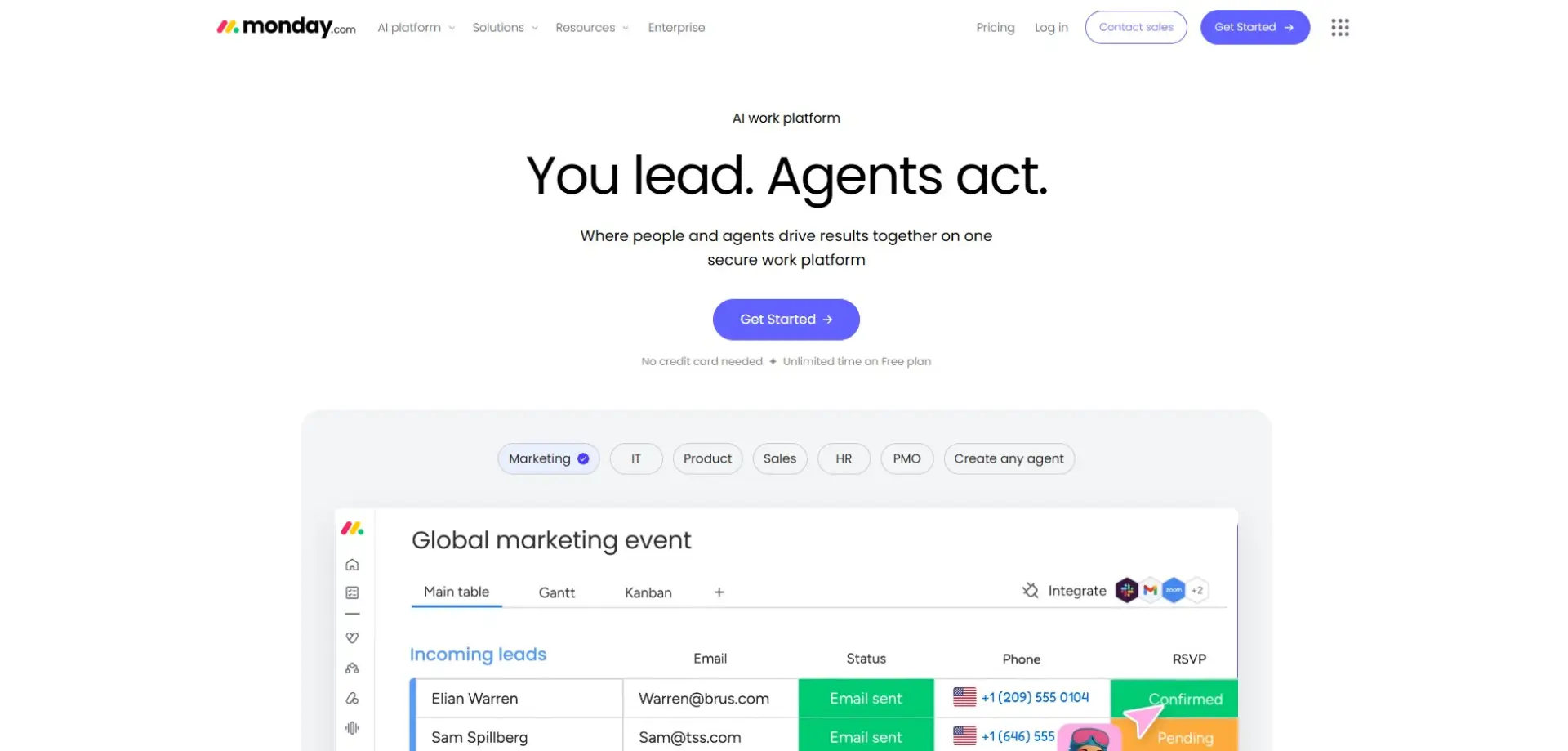
Built on the foundation of monday.com’s work management platform, monday CRM takes a different approach from traditional CRM software. Instead of treating customer relationships as a separate function, it connects sales activities with projects, operations, and team collaboration.
For organizations already using monday.com, adding CRM functionality feels like a natural extension of existing workflows rather than introducing an entirely new system.
Its biggest advantage is flexibility. Teams can build pipelines, dashboards, automations, and workflows that match the way they already work instead of adapting to a predefined CRM structure.
Best for
monday CRM is best suited to small and mid-sized businesses that want a highly customizable platform connecting sales with project delivery.
It’s particularly popular among:
- Agencies
- Creative teams
- SaaS businesses
- Professional service firms
- Organizations where sales and delivery overlap
Key strengths
monday CRM offers flexibility that many traditional CRM platforms can’t match.
Notable strengths include:
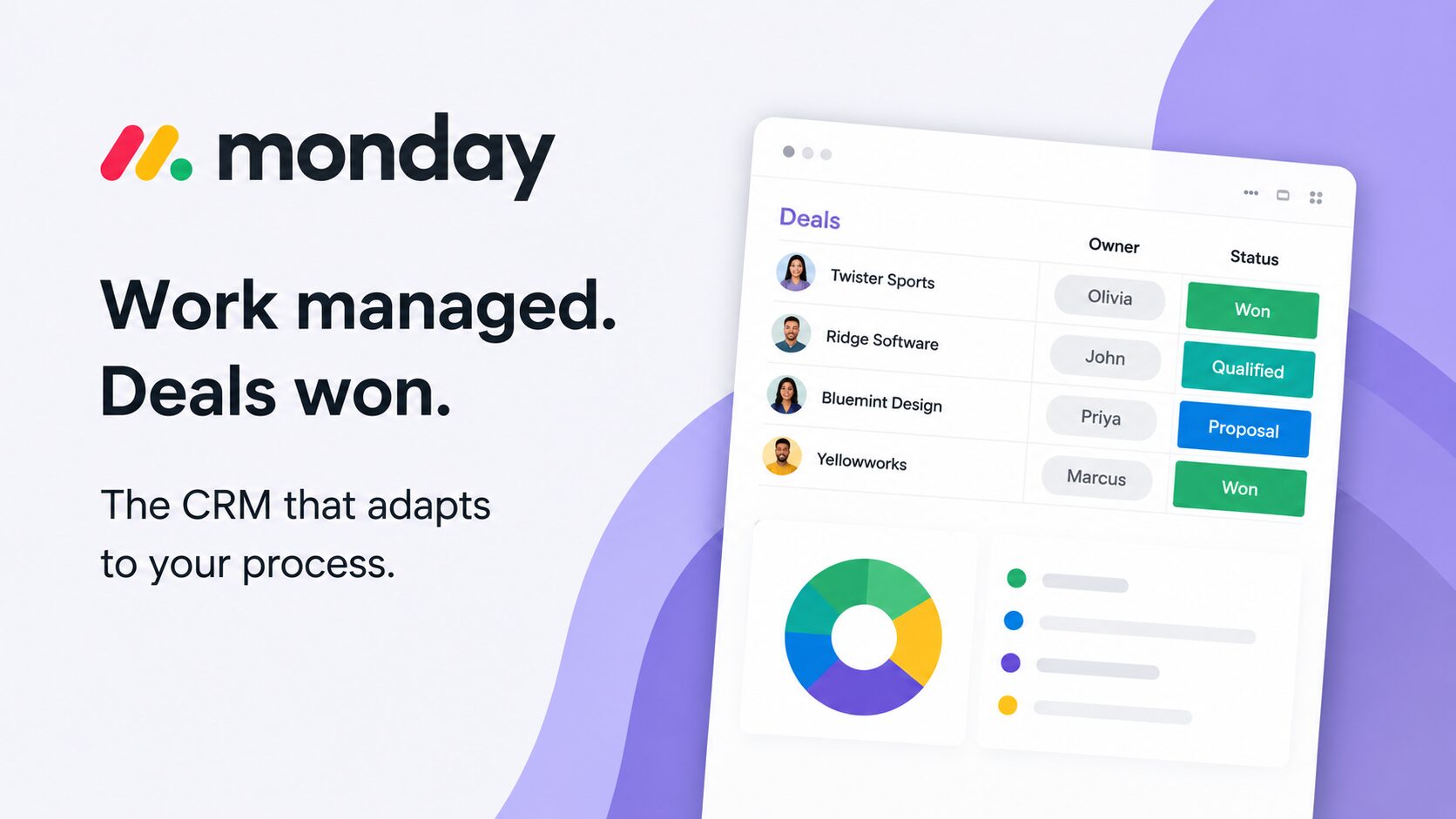
- Highly customizable pipelines and workflows
- Visual board-based interface
- Native integration with monday.com
- Flexible automation builder
- Strong collaboration tools
- Easy customization without extensive technical skills
- Excellent visibility across departments
This makes it especially appealing for teams that prefer adapting software to their processes instead of changing their processes to fit the software.
Things to consider
That flexibility comes with some responsibility.
Before implementing monday CRM, consider that:
- Initial setup requires thoughtful planning.
- Without governance, workflows can become inconsistent.
- It feels less like a traditional CRM than platforms such as HubSpot or Salesforce.
- Some advanced reporting features are still evolving.
- Heavy customization can become difficult to manage over time.
Organizations with clearly defined sales processes tend to get the most value from the platform.
Core features
monday CRM includes:
- Custom sales pipelines
- Contact and deal management
- Workflow automation
- Email integration
- Collaboration tools
- Performance dashboards
- Project-to-deal linking
- Mobile access
Almost every part of the platform can be customized, allowing teams to build workflows that closely reflect their day-to-day operations.
Pricing overview
monday CRM offers multiple pricing tiers based on team size, automation limits, integrations, and reporting features.
For organizations already using monday.com, bundling CRM with work management often provides better overall value than purchasing separate systems.
Verdict
monday CRM works best for organizations that view customer relationships as part of a broader operational workflow rather than a standalone sales function. Its flexibility is one of its greatest strengths, provided teams invest the time to design a system that supports consistent processes.
8. Freshsales (Freshworks CRM)
9. Zendesk Sell

Why Zendesk Sell stands out
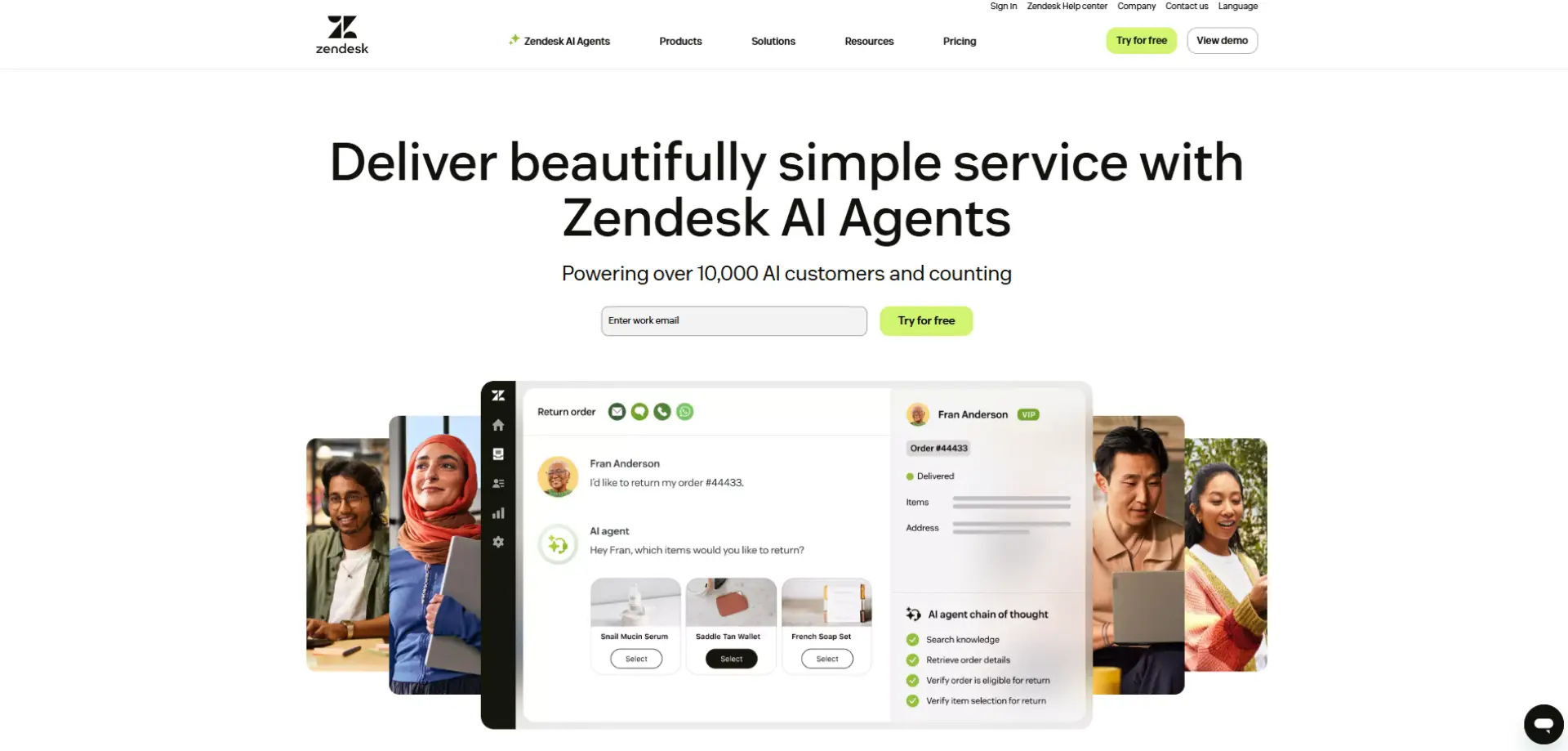
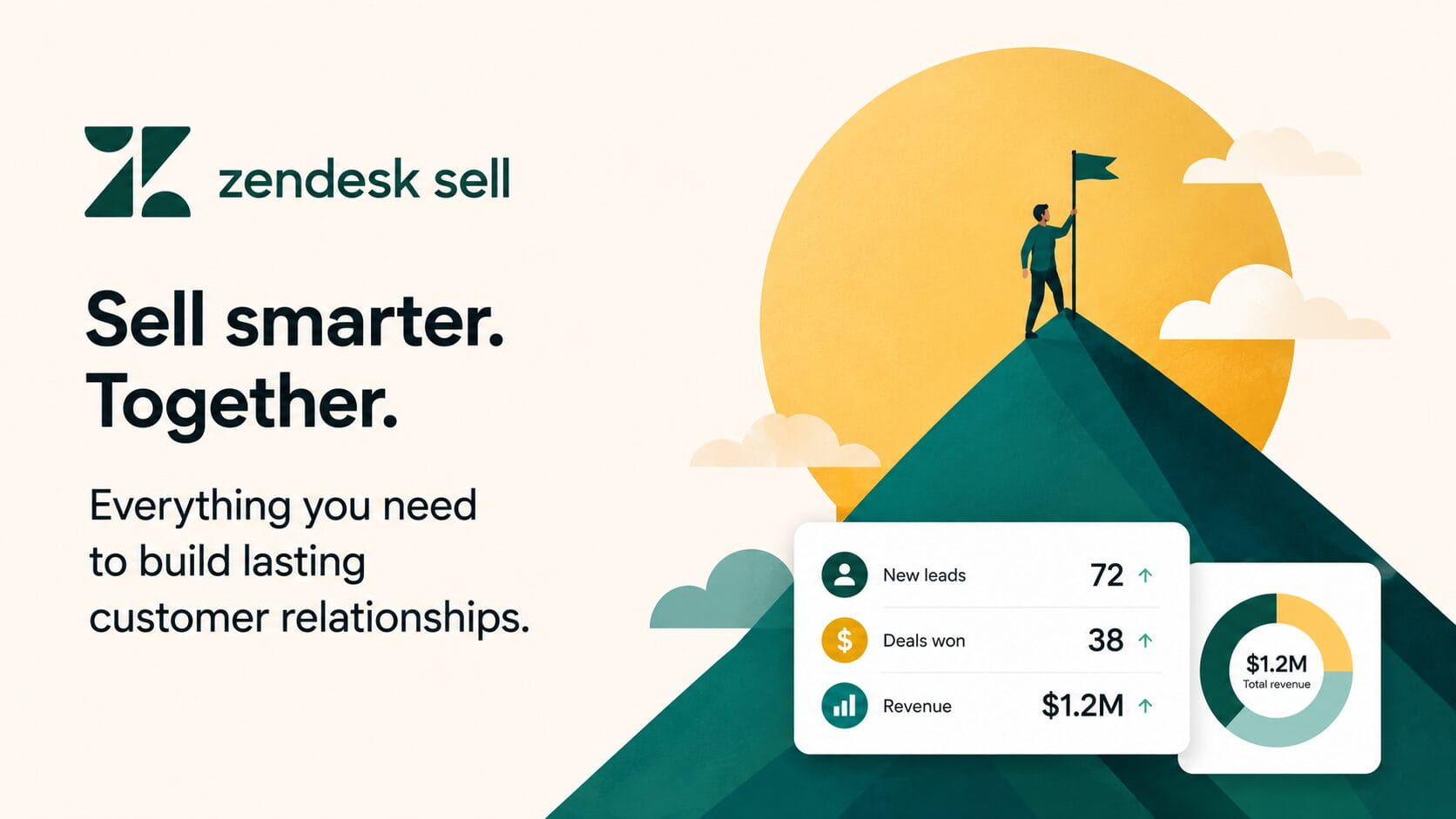
Most CRM platforms focus almost exclusively on winning new business. Zendesk Sell takes a broader view by recognizing that sales and customer service are closely connected.
Because it’s built within the Zendesk ecosystem, sales teams can see the same customer history that support teams rely on. That shared context makes it easier to deliver a consistent customer experience before and after the sale.
For businesses that view customer relationships as an ongoing journey rather than a single transaction, that’s a significant advantage.
Best for
Zendesk Sell is particularly well suited to organizations that already use Zendesk Support or place customer experience at the center of their sales strategy.
It’s commonly adopted by:
- SaaS companies
- Subscription businesses
- Customer support-driven organizations
- Inside sales teams
- Businesses focused on long-term customer retention
Key strengths
Zendesk Sell keeps sales and support closely connected.
Highlights include:
- Native integration with Zendesk Support
- Clear pipeline visibility
- Comprehensive activity tracking
- Strong communication history
- Easy-to-use interface
- Mobile CRM
- Straightforward implementation
The biggest benefit is continuity. Sales reps don’t have to piece together customer history from multiple systems before starting a conversation.
Things to consider
Zendesk Sell prioritizes ease of use over deep customization.
Before choosing it, consider that:
- Enterprise customization options are limited.
- The ecosystem is smaller than Salesforce’s.
- Advanced forecasting tools are relatively basic.
- The platform delivers the most value when paired with Zendesk products.
- Very complex sales organizations may outgrow it.
Core features
Zendesk Sell includes:
- Lead and contact management
- Deal tracking
- Email and call logging
- Built-in calling and messaging
- Sales forecasting
- Task management
- Mobile CRM
- Zendesk ecosystem integration
These features provide sales teams with a complete view of customer interactions while keeping daily workflows simple.
Pricing overview
Zendesk Sell is available in several pricing tiers, with higher plans adding forecasting, automation, reporting, and productivity tools.
Organizations already invested in Zendesk often find the platform offers excellent overall value.
Verdict
Zendesk Sell is at its best when customer service and sales work hand in hand. It isn’t designed to be the most customizable CRM on the market, but it excels at giving teams the context they need to build stronger customer relationships throughout the entire lifecycle.
10. Creatio
Why Creatio stands out
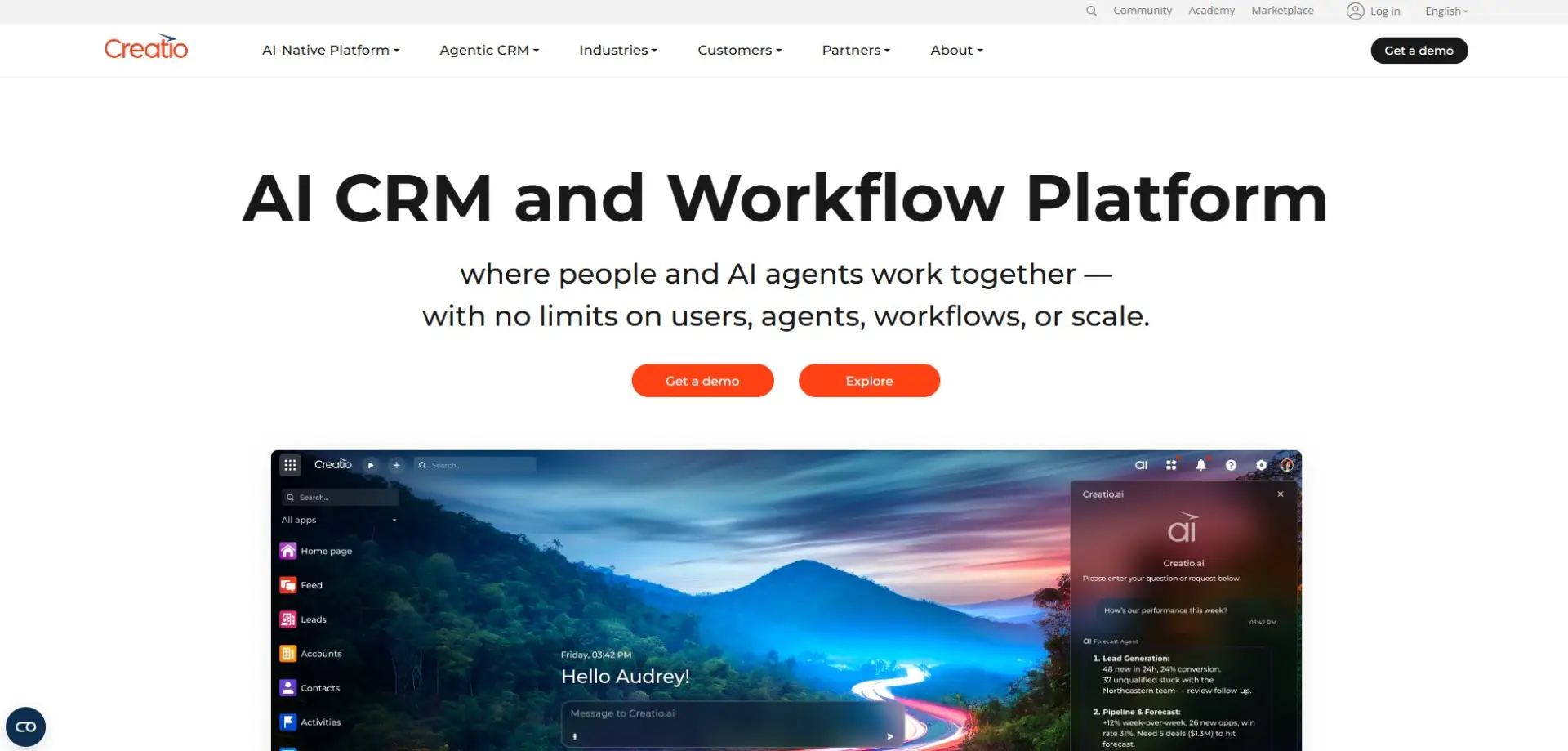
While most CRM platforms start with standard sales pipelines, Creatio begins somewhere else: business processes.
Its low-code architecture allows organizations to design workflows that closely reflect how they actually operate, making it particularly attractive to companies with structured sales cycles, approval processes, or regulatory requirements.
Rather than forcing businesses into predefined workflows, Creatio lets them build the CRM around their own operations.
Best for
Creatio is best suited to mid-sized and enterprise organizations that need extensive process customization without relying heavily on custom software development.
It’s particularly popular in:
- Financial services
- Insurance
- Manufacturing
- Telecommunications
- Other highly regulated industries
Key strengths
Creatio combines CRM with process automation in a way few competitors can match.
Its strengths include:
- Powerful low-code workflow designer
- Extensive process automation
- Flexible sales pipeline configuration
- Unified CRM and business process management
- Industry-specific customization
- Strong governance and permissions
- Enterprise scalability
Organizations with well-defined operational processes can tailor the platform to fit their exact requirements.
Things to consider
Creatio rewards planning, but it isn’t designed for plug-and-play deployment.
Potential drawbacks include:
- Longer implementation timelines
- Greater emphasis on process design
- Smaller partner ecosystem than Salesforce
- Advanced configuration may require specialist expertise
- More capability than many smaller businesses need
Companies without clear internal processes may struggle to unlock its full potential.

Core features
Creatio includes:
- Lead and opportunity management
- Low-code workflow designer
- Sales automation
- Marketing automation
- Customer service management
- Dashboards and reporting
- AI-assisted recommendations
- Enterprise integrations
Its ability to combine CRM with business process automation is what sets it apart from more traditional sales platforms.
Pricing overview
Creatio follows an enterprise pricing model based on users, modules, and deployment requirements.
Organizations typically invest in Creatio because of its flexibility and process automation capabilities rather than its entry-level affordability.
Verdict
Creatio is less a traditional CRM and more a platform for designing customer-facing business processes. For organizations with complex workflows and strong governance requirements, it offers a level of flexibility that many mainstream CRM platforms simply can’t match.
11. Insightly
Why Insightly stands out
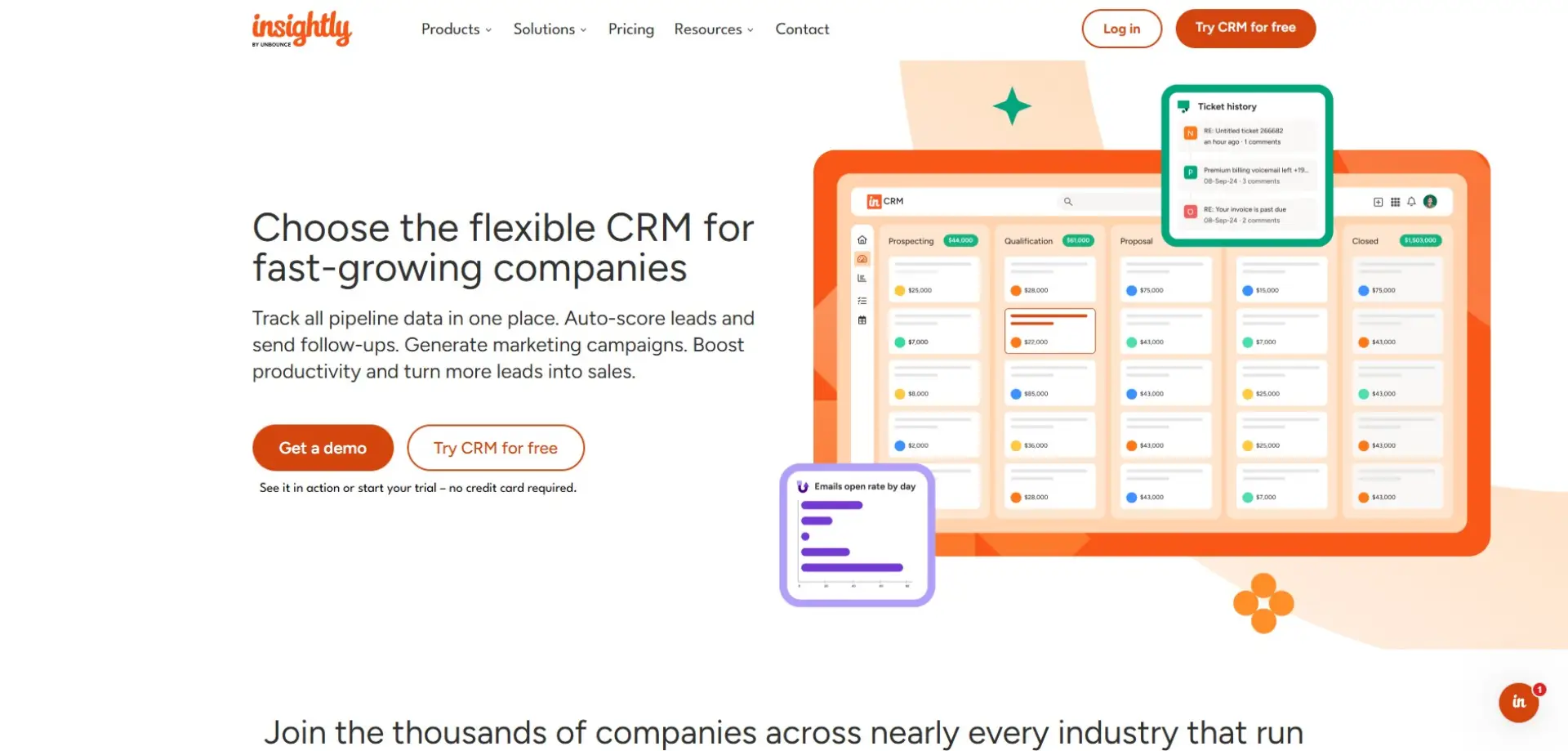
For many service-based businesses, closing a deal is only the beginning of the customer relationship. Insightly recognizes that by combining CRM functionality with built-in project management, allowing teams to move smoothly from winning new business to delivering the work.
Instead of handing customers off to another platform after the sale, sales, projects, and ongoing client relationships stay connected in one system. That continuity makes Insightly especially useful for businesses where delivery is just as important as acquisition.
Best for
Insightly is a strong fit for organizations that manage both sales and client projects within the same teams.
It’s particularly well suited to:
- Agencies
- Consultancies
- Professional services firms
- Project-based businesses
- Small and mid-sized service organizations
Key strengths
Insightly bridges the gap between CRM and project delivery.
Key advantages include:
- Built-in project management
- Seamless transition from sales to delivery
- Simple, intuitive interface
- Workflow automation for internal handoffs
- Relationship tracking across projects
- Integrations with popular business applications
- Good balance between functionality and ease of use
Businesses that regularly deliver client work after closing a deal often appreciate having everything managed within one platform.
Things to consider
Insightly isn’t intended to compete with enterprise CRM platforms.
Potential drawbacks include:
- Limited enterprise customization
- Reporting is solid but not especially advanced
- Moderate rather than extensive flexibility
- Less suited to large, complex sales organizations
- Delivers the most value in project-based businesses
If your business is driven primarily by high-volume sales rather than ongoing client work, a sales-first CRM may be a better fit.
Core features
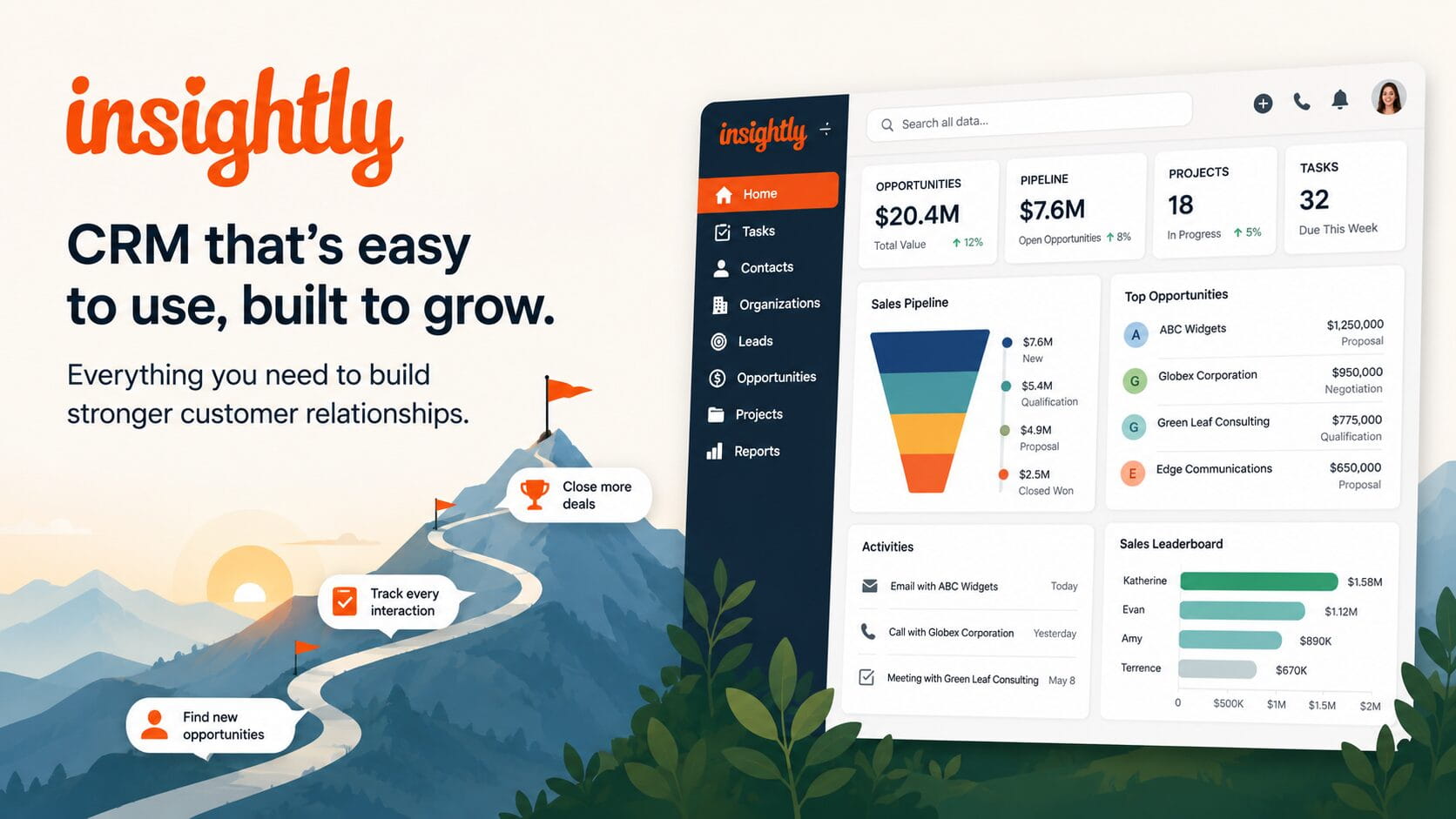
Insightly includes:
- Contact and lead management
- Opportunity tracking
- Sales pipelines
- Built-in project management
- Workflow automation
- Email integration
- Reporting dashboards
- Relationship linking across contacts, projects, and opportunities
- Mobile CRM
The combination of CRM and project management remains its biggest differentiator.
Pricing overview
Insightly offers multiple pricing tiers, with higher plans introducing more advanced automation, reporting, and project management functionality.
Its pricing is competitive for businesses looking to replace both a CRM and a lightweight project management platform.
Verdict
Insightly works best when customer relationships extend well beyond the sale. Organizations that manage projects, consulting engagements, or ongoing client services will often find more value here than in CRMs focused exclusively on pipeline management.
12. SugarAI
Why SugarCRM stands out
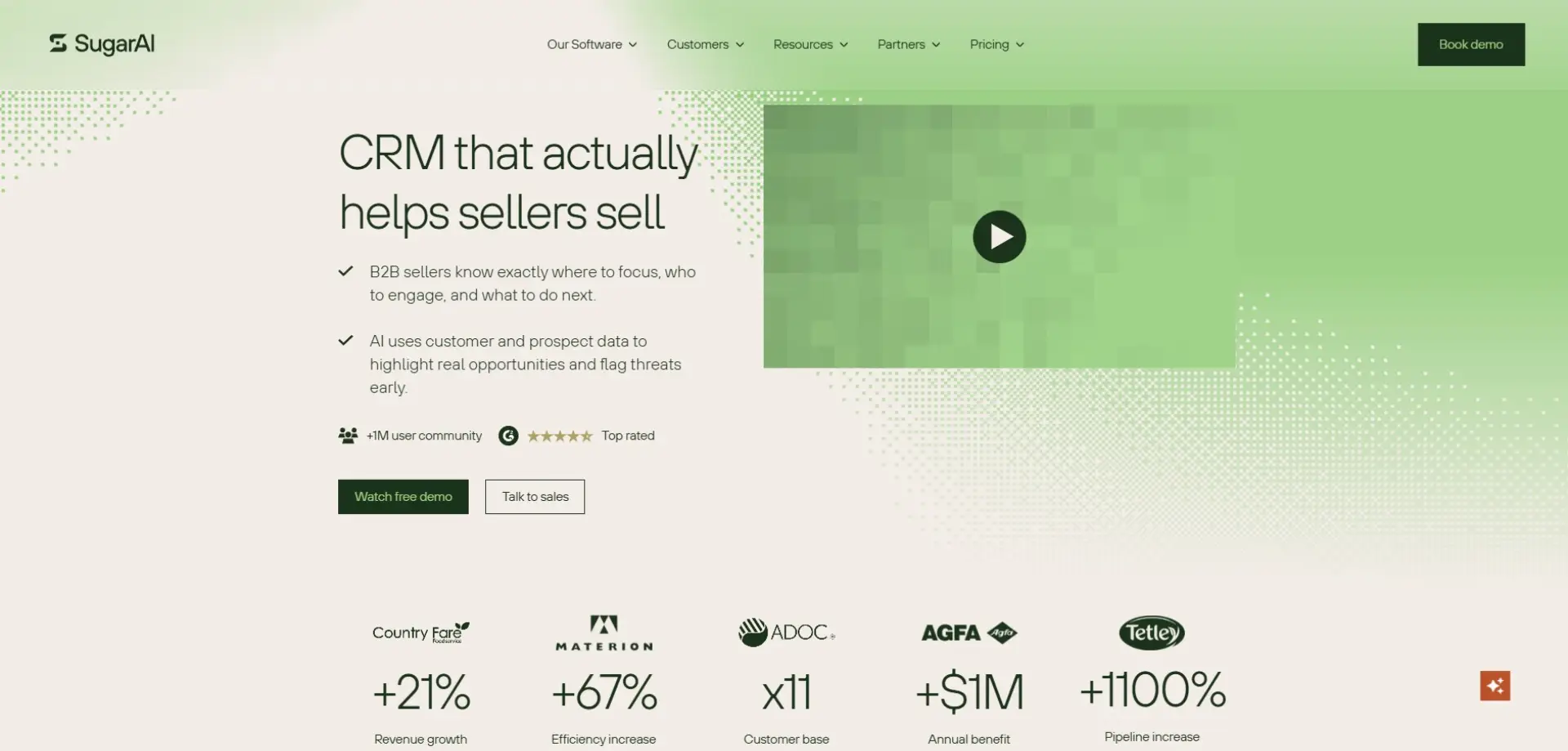
Some CRM platforms guide businesses toward predefined ways of working. SugarCRM takes the opposite approach, giving organizations the flexibility to build the system around their own processes instead.
That philosophy has made it a popular choice for companies with complex sales cycles, strict governance requirements, or industry-specific workflows that don’t fit neatly into more opinionated CRM platforms.
For organizations that want greater control over how their CRM operates, SugarCRM offers plenty of room to customize.
Best for
SugarCRM is best suited to mid-sized and enterprise organizations with complex B2B sales processes.
It’s commonly used by:
- Manufacturers
- Industrial suppliers
- Financial services firms
- B2B distributors
- Regulated industries
Key strengths
Customization is where SugarCRM excels.
Highlights include:
- Flexible data models
- Extensive workflow customization
- Strong governance controls
- Role-based permissions
- Support for cloud and on-premises deployment
- Comprehensive reporting
- Well suited to complex sales structures
Rather than forcing businesses into standard workflows, SugarCRM allows them to tailor almost every aspect of the platform.
Things to consider
That flexibility comes at the cost of simplicity.
Before investing, consider that:
- Implementation usually requires careful planning.
- The interface feels less modern than some competitors.
- Optimization often benefits from specialist expertise.
- The integration ecosystem is smaller than Salesforce’s.
- Smaller organizations may find it unnecessarily complex.
Companies looking for a quick, out-of-the-box CRM may prefer a simpler alternative.
Core features
SugarCRM includes:
- Lead, account, and opportunity management
- Custom data models
- Workflow automation
- Sales forecasting
- Reporting and analytics
- Customer support management
- Enterprise integrations
- Role-based dashboards
Its greatest strength is adapting to complex organizational requirements without forcing businesses into predefined structures.
Pricing overview
SugarCRM is positioned as a mid-to-high-end CRM, with pricing based on deployment model, functionality, and organizational size.
Cloud and on-premises options provide additional flexibility for businesses with specific infrastructure or compliance requirements.
Verdict
SugarCRM rewards organizations that value control over convenience. While it requires more planning than some competitors, it offers a highly adaptable platform capable of supporting sophisticated sales operations for years to come.
13. Nimble
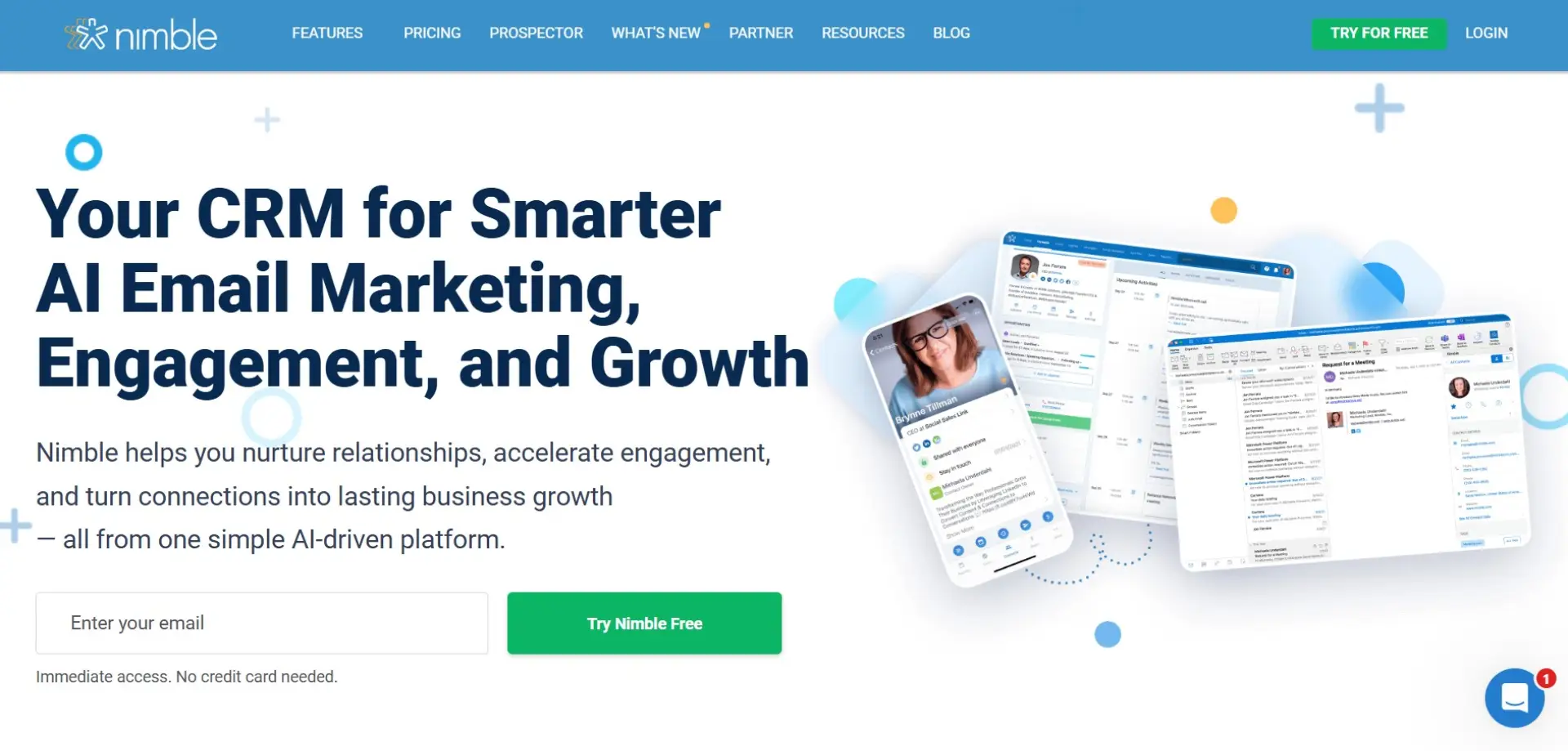
Why Nimble stands out
Not every CRM revolves around pipelines and forecasting. Nimble takes a more relationship-focused approach, helping users build richer customer profiles by bringing together information from email, social media, and other digital interactions.
Instead of asking users to spend hours updating contact records manually, the platform automatically enriches profiles with publicly available information, making it easier to understand who’s behind every conversation.
For professionals who rely on networking and long-term relationships, that’s often more valuable than enterprise-level reporting.
Best for
Nimble is ideal for individuals and small teams where personal relationships drive business development.
It’s especially popular among:
- Consultants
- Coaches
- Professional service providers
- Small agencies
- Relationship-driven B2B businesses
Key strengths
Nimble focuses on helping users stay connected rather than managing highly structured sales processes.
Its strengths include:
- Automatic contact enrichment
- Email and social media integration
- Lightweight, intuitive interface
- Strong support for relationship-based selling
- Simple pipeline management
- Low administrative overhead
- Fast implementation
For many users, the biggest advantage is spending less time maintaining CRM records and more time building relationships.
Things to consider
Nimble is intentionally lightweight.
Potential limitations include:
- Basic reporting
- Limited forecasting capabilities
- Not designed for enterprise sales organizations
- Smaller integration ecosystem
- Limited workflow customization
Businesses with highly structured sales operations will likely need a more comprehensive CRM.

Core features
Nimble includes:
- Contact management
- Automatic profile enrichment
- Email integration
- Social media synchronization
- Pipeline management
- Task tracking
- Reporting dashboards
- Browser extension
Its relationship intelligence remains one of the platform’s defining features.
Pricing overview
Nimble follows a straightforward pricing model aimed primarily at individuals and small teams.
The platform keeps licensing simple, making it an attractive option for organizations that don’t need the complexity of enterprise subscriptions.
Verdict
Nimble isn’t trying to compete with enterprise CRM platforms—and that’s precisely its appeal. For consultants, advisors, and small businesses built on personal relationships, it offers a refreshingly simple way to stay organized without becoming buried in administrative work.
14. Copper
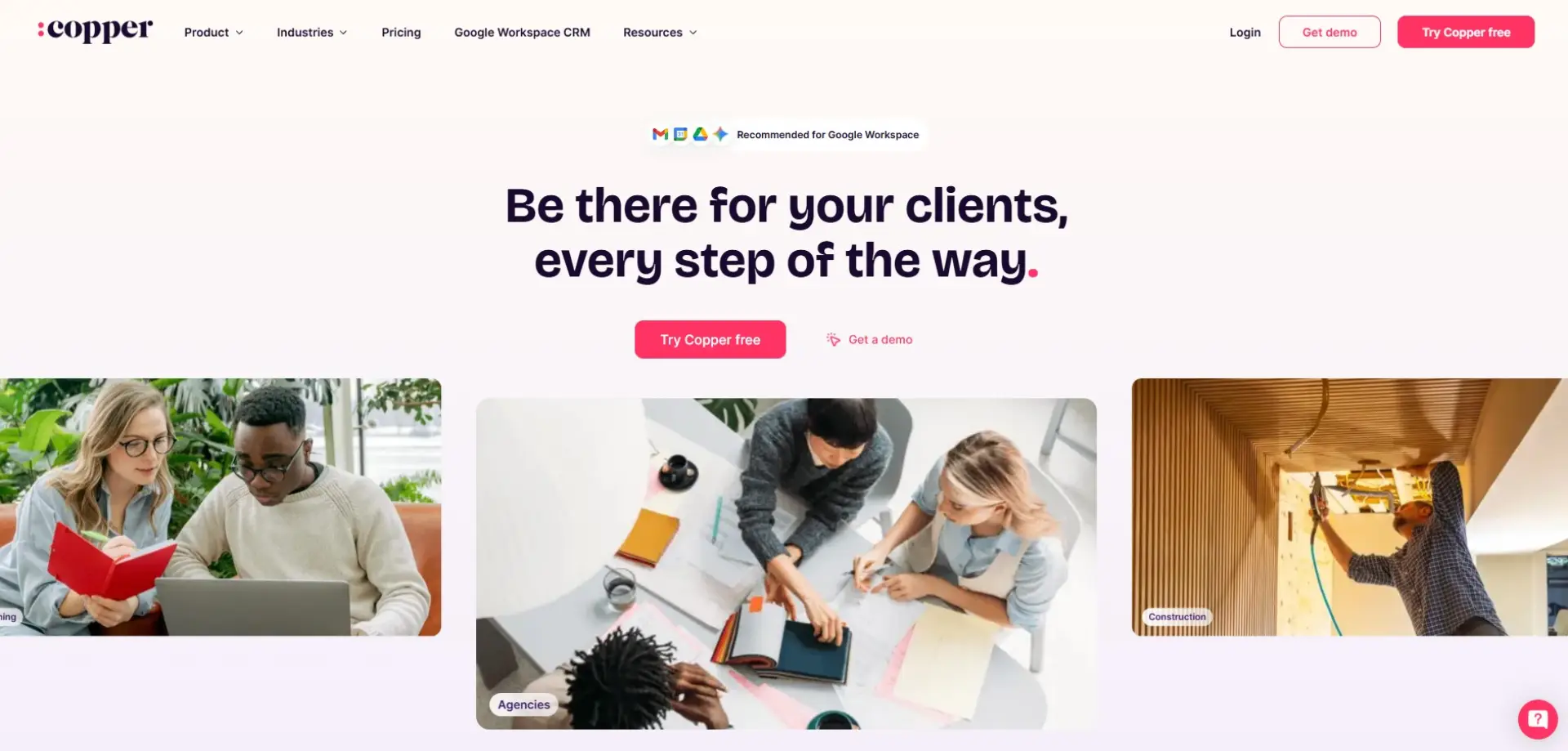
Why Copper stands out
If your team spends most of its day in Gmail, Copper can feel less like a separate CRM and more like a natural extension of Google Workspace.
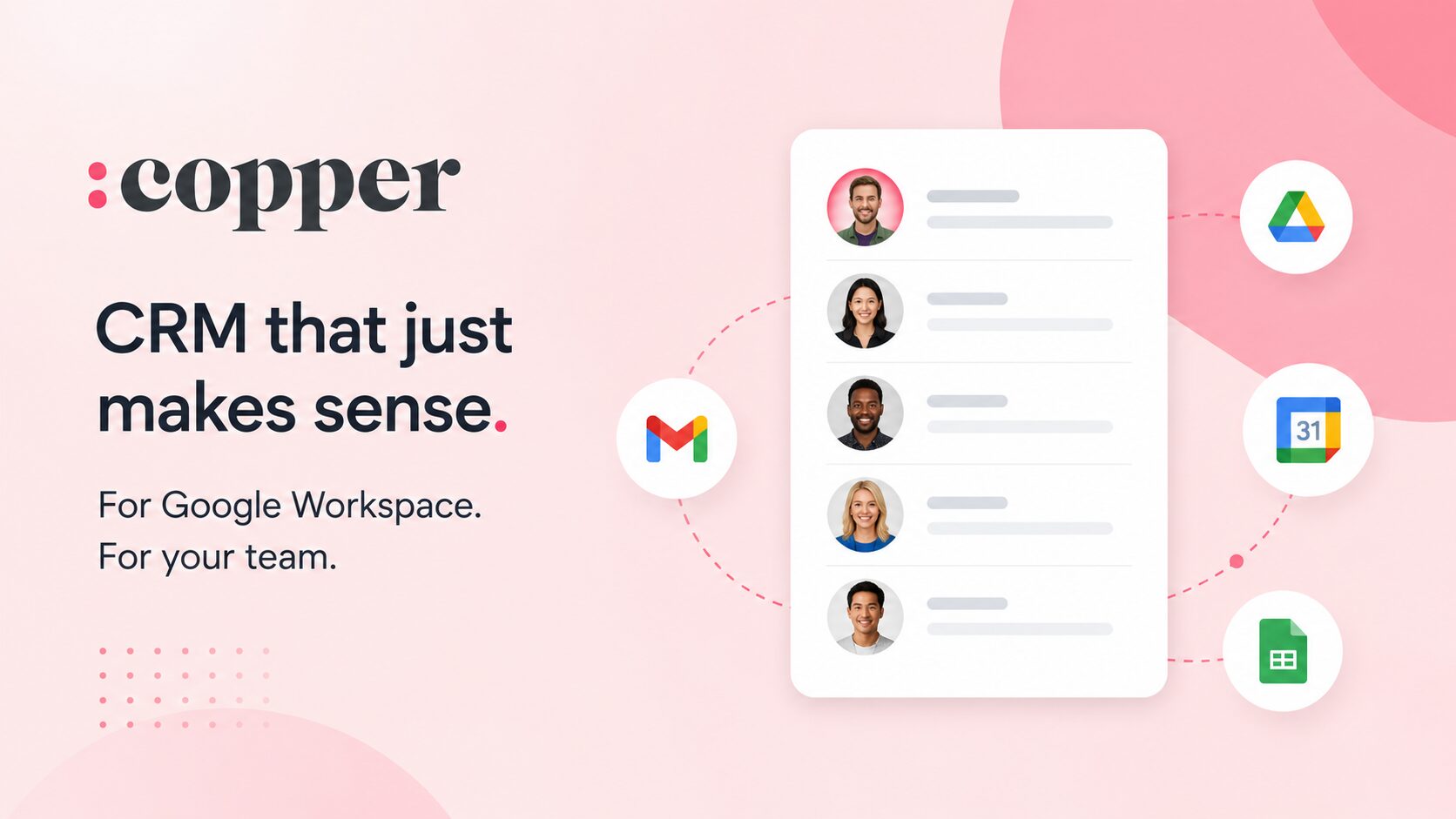
Instead of asking users to switch between applications, Copper embeds CRM functionality directly into Gmail, Google Calendar, and Google Drive. Emails, meetings, contacts, and opportunities stay connected without requiring constant manual updates, making adoption much easier for Google-centric teams.
For organizations already committed to Google’s ecosystem, that seamless experience is one of Copper’s biggest advantages.
Best for
Copper is best suited to businesses that rely heavily on Google Workspace for day-to-day communication and collaboration.
It’s particularly popular with:
- Agencies
- Consultancies
- Creative firms
- Professional service providers
- Small and mid-sized B2B teams
Key strengths
Copper is designed to minimize administrative work by keeping CRM activities inside familiar Google applications.
Highlights include:
- Native Google Workspace integration
- CRM functionality built directly into Gmail
- Automatic contact and activity tracking
- Clean, intuitive interface
- Minimal training requirements
- Quick implementation
- Strong visibility into customer interactions
For teams already working in Gmail all day, Copper often feels like a natural extension rather than another piece of software to learn.
Things to consider
Copper’s close relationship with Google Workspace is also its biggest limitation.
Before investing, consider that:
- It offers fewer benefits outside Google’s ecosystem.
- Workflow automation is less advanced than some competitors.
- Reporting capabilities are relatively lightweight.
- Enterprise-level customization is limited.
- The integration marketplace is smaller than those of Salesforce or HubSpot.
Organizations using Microsoft 365 or other productivity platforms may find less value in Copper’s approach.
Core features
Copper includes:
- Contact and opportunity management
- Gmail-integrated CRM
- Google Calendar synchronization
- Automatic data capture
- Sales pipeline tracking
- Workflow automation
- Activity management
- Reporting dashboards
Its biggest strength is reducing manual CRM work while allowing sales teams to stay inside the tools they already use every day.
Pricing overview
Copper offers several subscription tiers, with higher plans introducing additional automation, reporting, and workflow capabilities.
Pricing is aimed primarily at growing businesses that want a CRM tightly integrated with Google Workspace.
Verdict
Copper isn’t trying to replace the way Google users already work—it builds on it. For organizations deeply invested in Google Workspace, few CRMs deliver a smoother or more intuitive user experience.
15. Oracle CX Sales
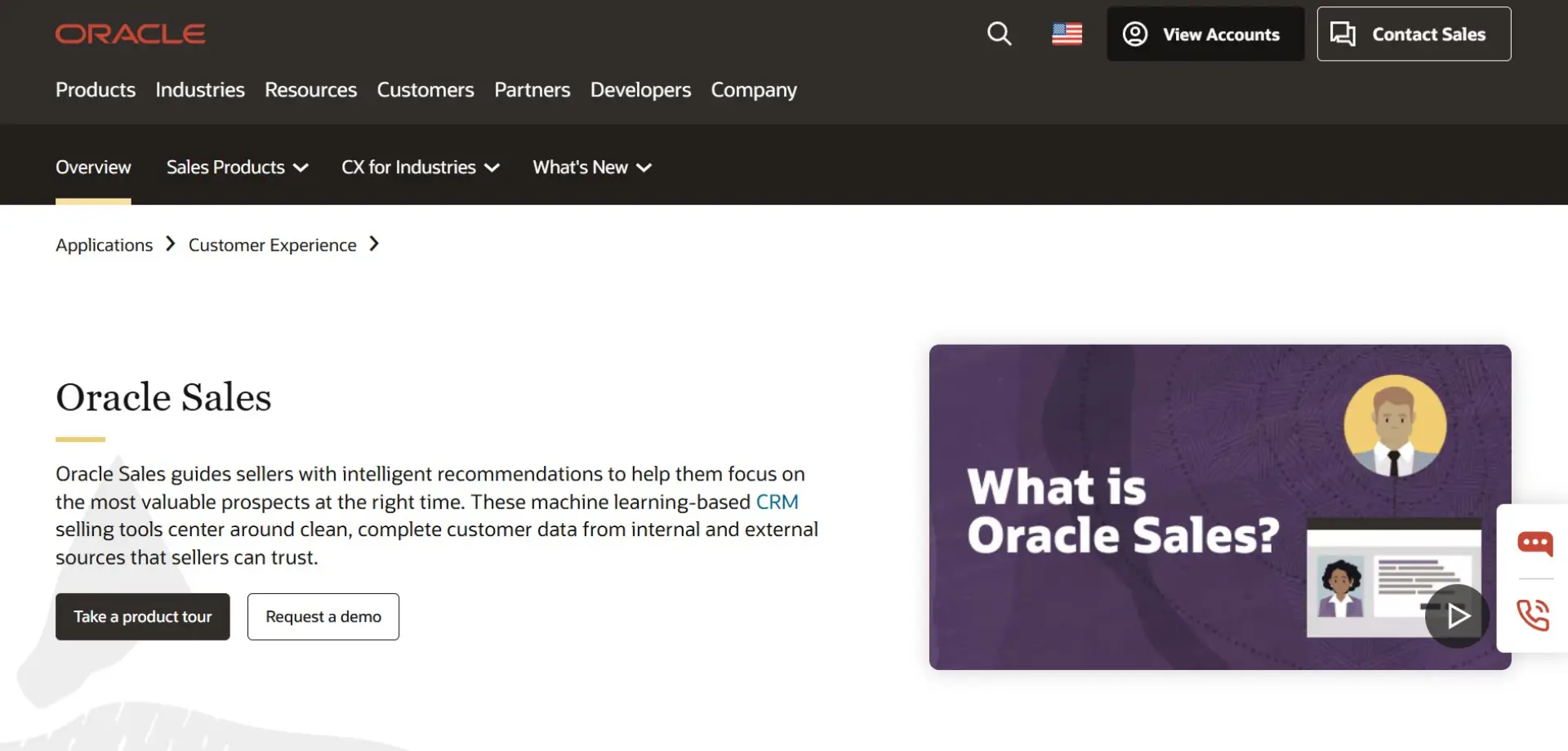
Why Oracle CX Sales stands out
Oracle CX Sales is designed for organizations where CRM is just one part of a much larger technology ecosystem.
Rather than focusing solely on sales productivity, it connects customer data with marketing, commerce, service, ERP, and enterprise analytics. The result is a platform built to support large organizations managing complex customer journeys across multiple business units.
Its depth makes it one of the most capable enterprise CRM solutions available—but also one of the most demanding to implement.
Best for
Oracle CX Sales is designed primarily for large enterprises with sophisticated operational requirements.
It’s commonly used by:
- Financial institutions
- Healthcare organizations
- Telecommunications companies
- Manufacturers
- Global B2B enterprises
It’s particularly attractive to businesses that already rely on Oracle’s broader suite of enterprise applications.
Key strengths
Oracle excels when scale, governance, and enterprise integration are priorities.
Its strengths include:
- Deep integration with Oracle ERP and CX applications
- Enterprise-grade security and governance
- AI-powered forecasting and recommendations
- Scalable global architecture
- Comprehensive customer lifecycle visibility
- Advanced analytics
- Strong support for complex organizational structures
Few platforms are better equipped to manage customer data across large, multinational organizations.
Things to consider
Oracle CX Sales is built for complexity—not simplicity.
Potential drawbacks include:
- Lengthy implementation projects
- Significant technical expertise required
- Higher licensing costs
- Steeper learning curve
- More functionality than smaller businesses typically need
Organizations with straightforward sales processes will likely find lighter CRM platforms easier to deploy and manage.

Core features
Oracle CX Sales includes:
- Lead and opportunity management
- AI-powered forecasting
- Territory management
- Workflow automation
- Customer lifecycle management
- Oracle ERP integration
- Enterprise dashboards
- Business intelligence reporting
Its greatest strength lies in connecting sales operations with broader enterprise systems.
Pricing overview
Oracle follows an enterprise licensing model, with pricing based on deployment size, modules, and organizational requirements.
Most implementations are tailored to the needs of individual enterprises rather than following simple per-user pricing.
Verdict
Oracle CX Sales isn’t designed for businesses looking for a quick CRM rollout. It’s built for organizations that need customer data, business operations, and enterprise applications working together at scale. For the right company, that depth can be a significant competitive advantage.
16. Close
Why Close stands out
Every CRM claims to help sales teams sell more. Close takes a more direct approach by putting communication at the center of the entire platform.
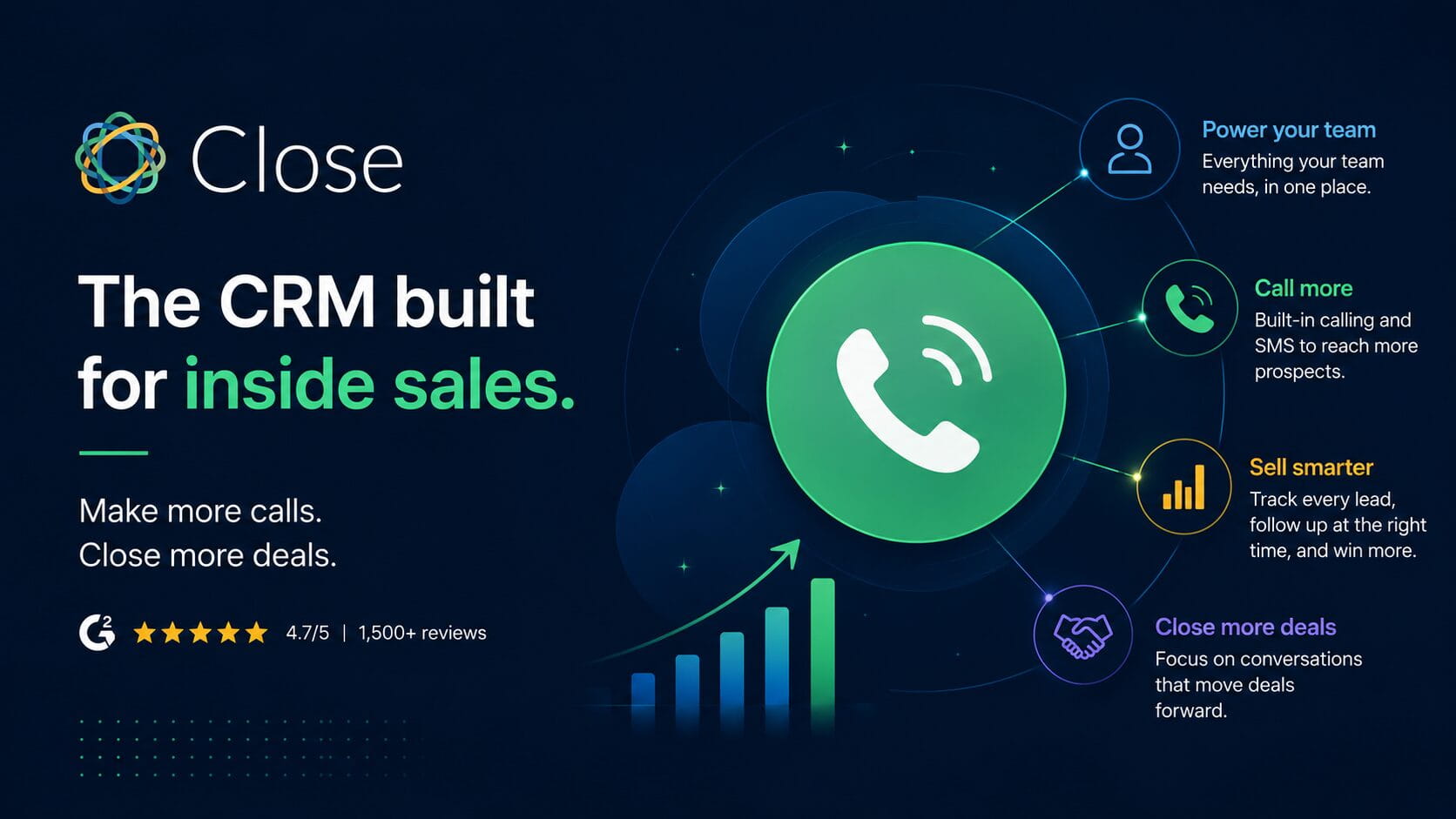
Calling, emailing, texting, and following up all happen inside the CRM, allowing sales reps to spend less time switching between tools and more time talking to prospects. For outbound sales teams, those small efficiency gains can quickly add up.
It’s a CRM designed for momentum.
Best for
Close is an excellent fit for organizations that depend on outbound sales and high-volume prospecting.
Typical users include:
- SaaS startups
- Sales development teams
- Lead generation agencies
- Inside sales organizations
- Fast-growing B2B companies
Key strengths
Everything in Close is designed to support faster, more consistent outreach.
Key advantages include:
- Built-in calling, SMS, and email
- Power dialer
- Automated sales sequences
- Keyboard-friendly interface
- Clear pipeline management
- Strong activity tracking
- Minimal dependence on third-party communication tools
The platform keeps sales reps focused on conversations instead of administration.
Things to consider
Close is intentionally specialized.
Potential limitations include:
- Limited enterprise customization
- Less emphasis on marketing automation
- Basic analytics compared to enterprise platforms
- Smaller integration ecosystem
- Less suitable for businesses with highly complex customer lifecycles
Organizations looking for a broad business platform may find Close too sales-focused.
Core features
Close includes:
- Built-in calling
- Email and SMS communication
- Sales pipeline management
- Automated outreach sequences
- Activity tracking
- Contact management
- Reporting dashboards
- Task management
Its integrated communication tools remain the platform’s biggest differentiator.
Pricing overview
Close offers multiple subscription plans that scale with automation, reporting, and team management capabilities.
Pricing is aimed primarily at growing sales organizations that depend on outbound performance.
Verdict
Close has a clear identity, and it sticks to it. Rather than trying to become an all-purpose CRM, it focuses on helping sales teams communicate more efficiently. If outbound activity drives your revenue, Close deserves serious consideration.
17. Nutshell
Why Nutshell stands out
Not every business needs an enterprise CRM with hundreds of configuration options. Sometimes, a straightforward platform that’s easy to learn and easy to maintain delivers better long-term results.
That’s where Nutshell shines.
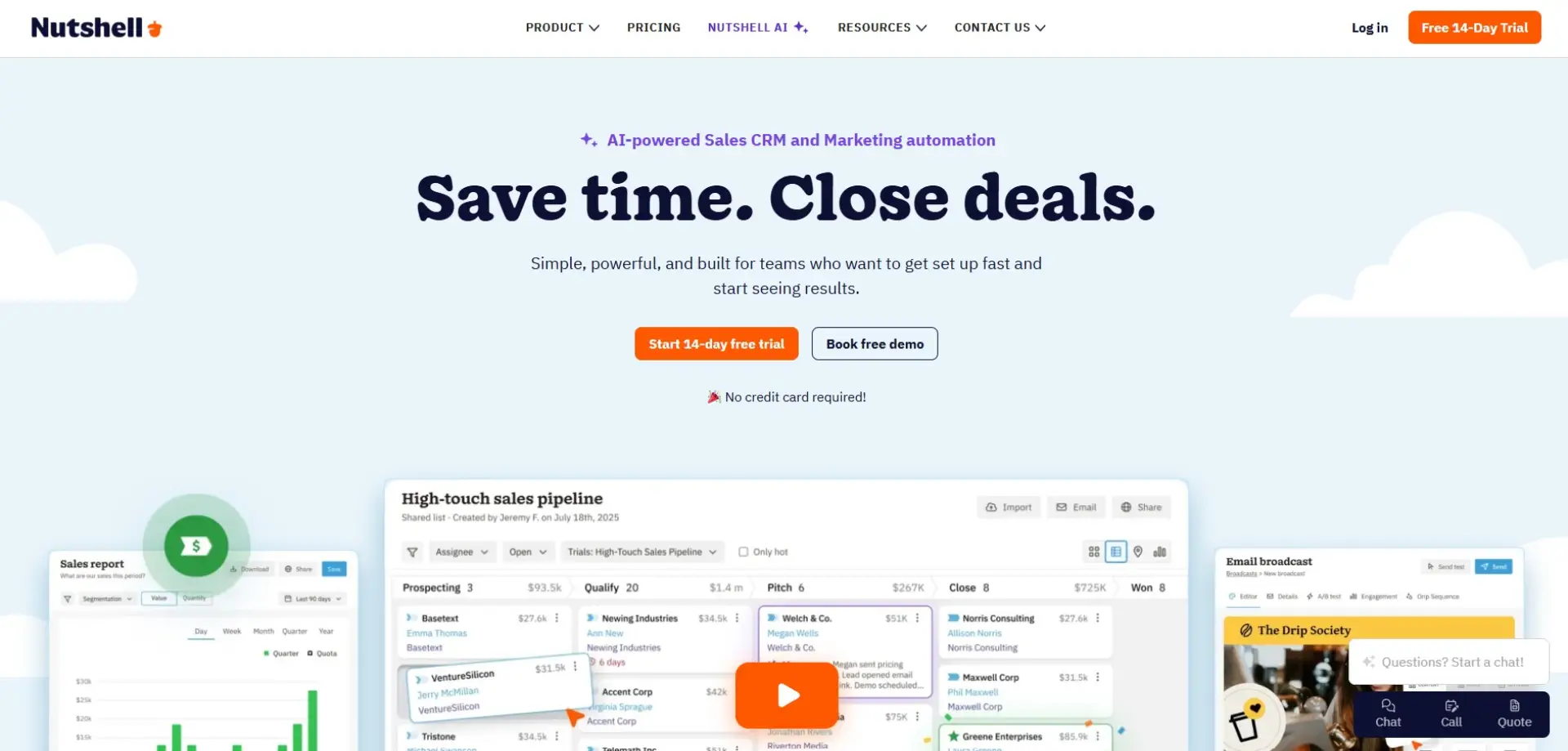
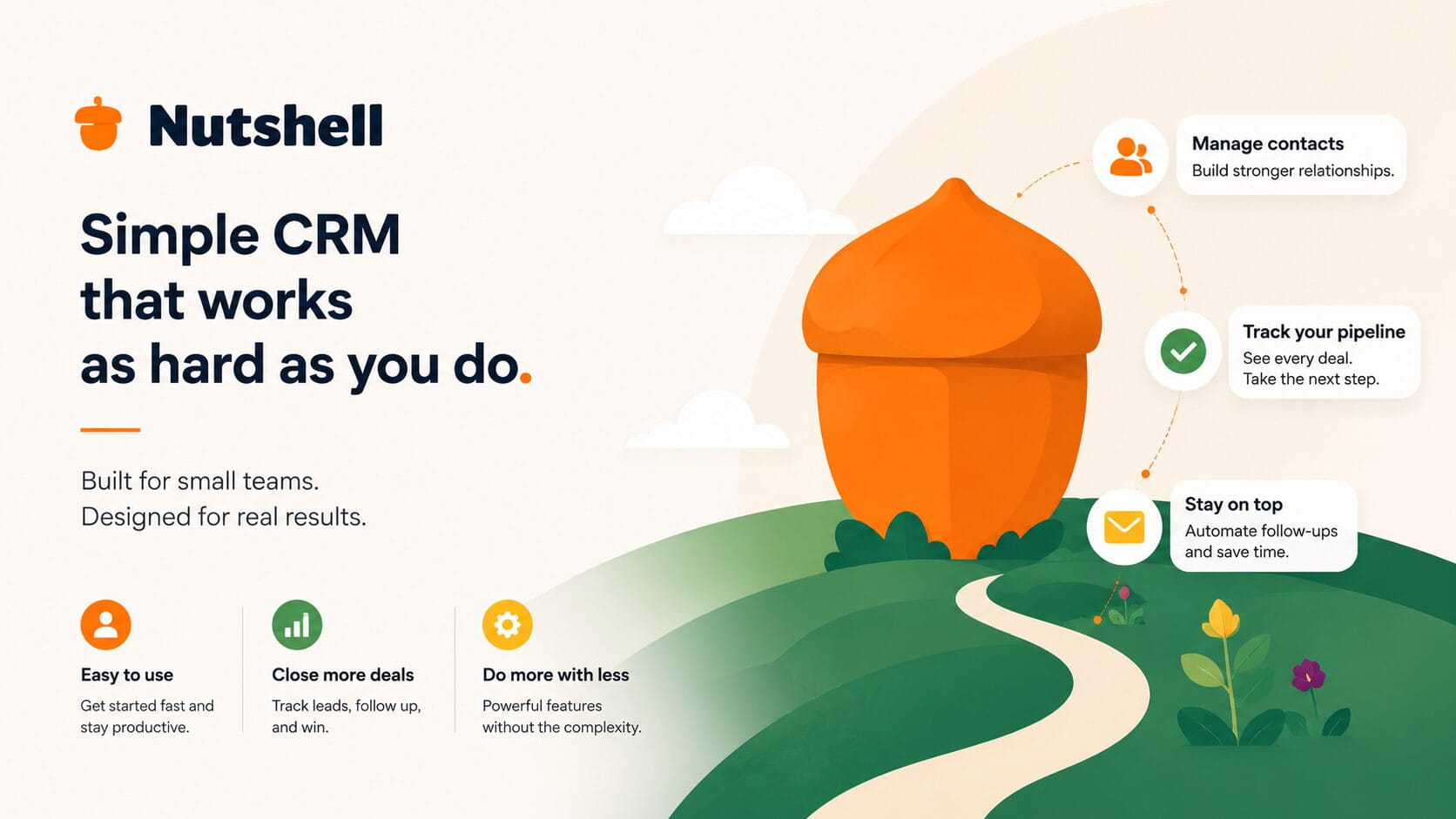
It focuses on the fundamentals—contacts, pipelines, activities, and reporting—without overwhelming users with unnecessary complexity. For many small and mid-sized businesses, that’s exactly what makes it appealing.
Best for
Nutshell is well suited to organizations that want a dependable CRM without a lengthy implementation process.
It’s particularly popular with:
- Professional services firms
- B2B suppliers
- Small manufacturers
- Growing sales teams
- Mid-sized businesses
Key strengths
Nutshell emphasizes simplicity without sacrificing core functionality.
Highlights include:
- Easy-to-use pipeline management
- Fast onboarding
- Strong contact management
- Email integration
- Practical reporting
- Basic workflow automation
- Consistent user experience
Its straightforward approach often leads to higher user adoption than more complicated CRM systems.
Things to consider
Keeping things simple also means accepting some limitations.
Potential drawbacks include:
- Limited advanced automation
- Smaller integration marketplace
- Less sophisticated reporting
- Not designed for enterprise organizations
- Moderate customization options
Businesses expecting highly tailored CRM workflows may eventually outgrow the platform.
Core features
Nutshell includes:
- Contact management
- Visual pipelines
- Email integration
- Activity management
- Workflow automation
- Sales reporting
- Team collaboration
- Mobile CRM
Everything is designed to help teams stay organized without adding unnecessary administrative work.
Pricing overview
Nutshell offers several pricing plans based on functionality and collaboration features.
Its pricing remains competitive for organizations looking for a practical CRM without enterprise-level costs.
Verdict
Nutshell succeeds by focusing on the basics and doing them well. It won’t be the right choice for every business, but for teams that value simplicity, consistency, and ease of use, it’s one of the most approachable CRM platforms available.
Choosing a CRM that fits how revenue actually moves
Comparing CRM platforms feature by feature is a natural place to start, but it’s rarely how the best decisions are made. Most leading CRMs offer the same core capabilities—managing contacts, tracking opportunities, automating routine tasks, and reporting on sales performance. The real differences become clear once your team starts using the platform day in and day out.
A CRM should make it easier for your team to sell, not force them to adapt to unfamiliar processes. For some organisations, that means supporting high-volume outbound sales. For others, it’s about managing complex enterprise opportunities, building long-term customer relationships, or connecting sales with marketing, finance, and customer service. The closer a CRM aligns with the way your business already operates, the more likely it is to be adopted consistently and deliver long-term value.
That’s why choosing a CRM is ultimately about finding the right fit rather than chasing the longest list of features. A platform that complements your sales process will improve data quality, increase pipeline visibility, and help your team work more efficiently. Even the most powerful CRM can fall short if it doesn’t match the way people actually work.
If you’re evaluating CRM platforms or looking to get more value from your existing system, reach out to Munro Agency to discuss a CRM strategy that supports the way your team sells today—and scales with your business as it grows.
Frequently Asked Questions
What is a CRM platform used for?
A CRM platform is used to manage a company’s relationships and interactions with customers and prospects. It centralises contact data, tracks sales activity, and provides visibility over the pipeline so teams can manage deals more consistently and forecast revenue more accurately.
Which CRM platform is best for small businesses?
For small businesses, the best CRM depends on the sales approach. Tools like HubSpot, SharpSpring, Pipedrive, and Zoho CRM are commonly used because they balance usability with core sales tracking and automation without requiring complex setup or large technical resources.
What is the difference between simple and enterprise CRM systems?
Simple CRM systems focus on ease of use, basic pipeline management, and quick adoption. Enterprise CRM systems such as Salesforce or Microsoft Dynamics 365 are built for complex organisations, offering deep customisation, advanced automation, and integration across multiple business systems.
How do you choose the right CRM platform?
The right CRM is chosen based on how a business actually sells. Key factors include sales cycle complexity, team size, integration requirements, and whether the CRM needs to support outbound sales, account management, or service-led relationships.
Can a CRM improve sales performance?
Yes, a CRM can improve sales performance by increasing visibility over deals, improving follow-up consistency, and reducing missed opportunities. The biggest impact comes when the CRM matches the organisation’s sales process and is used consistently by the team.


